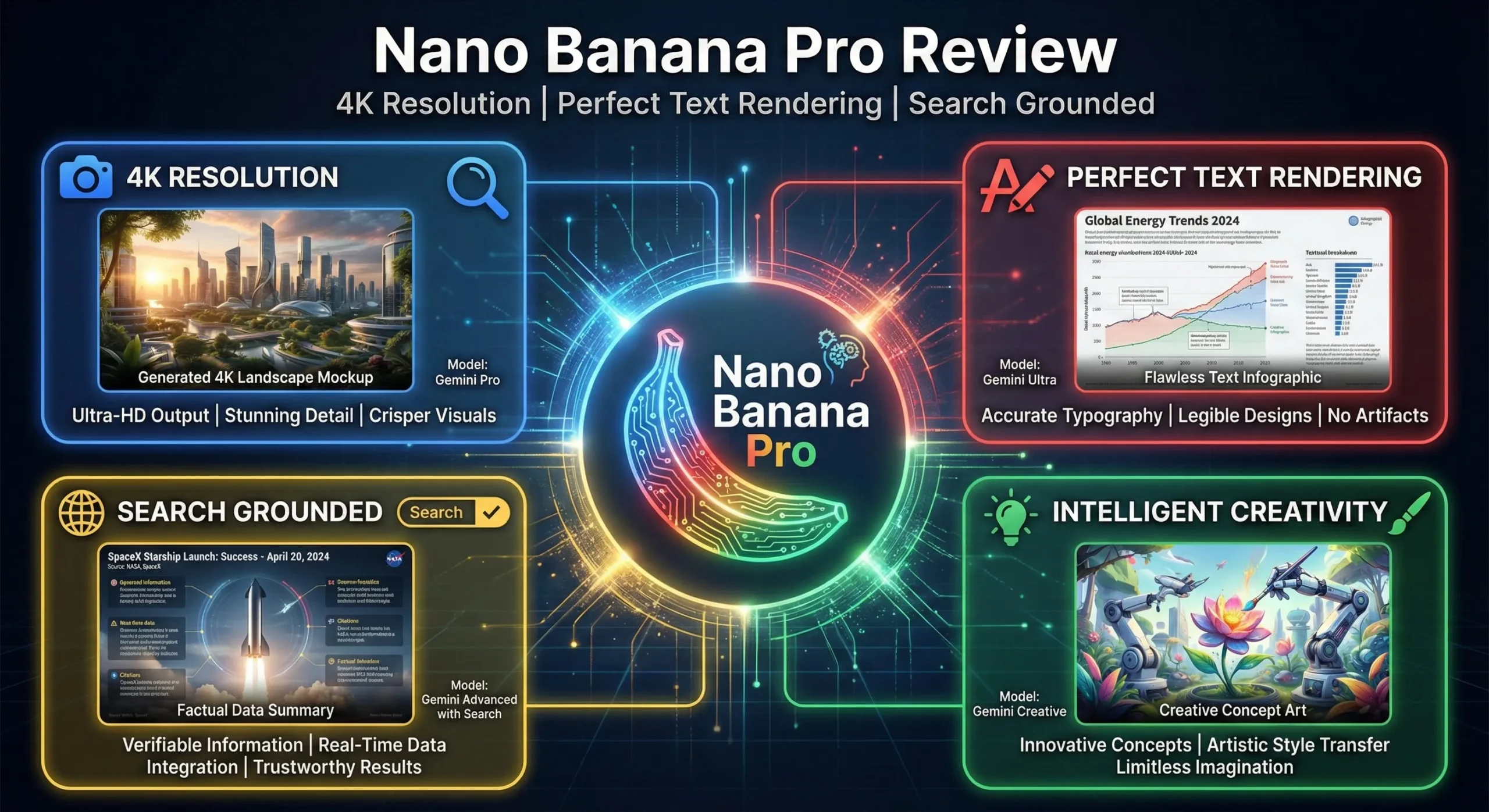
Nano Banana Pro is Google’s Gemini 3 Pro Image model, launched in November 2025 as its premium image generator and editor. This Nano Banana Pro review looks at what it is in October 2026, how it compares with Nano Banana 2 and Nano Banana 2.1, what it costs in the Gemini app and the API, and whether it is still worth choosing. All facts below come from Google’s own pages and model cards, read on October 10, 2026.
⚡ TL;DR: The Bottom Line
What It Is: Gemini 3 Pro Image, Google’s premium image model, built on Gemini 3 Pro, with reference-image inputs, 1K, 2K and 4K output and thinking.
Where You Get It: In the Gemini app it is a “Redo with Pro” option for Google AI Plus ($4.99), Pro ($19.99) and Ultra subscribers, and Google’s Free plan lists limited access in Google Flow. In the API it is gemini-3-pro-image.
Price: $0.134 per 1K or 2K image and $0.24 at 4K in the API, against $0.0336 to $0.113 for Nano Banana 2.1.
Our Take: Try Nano Banana 2.1 first. Use Pro when you want the premium option for a complex image and the extra cost is fine.
⚠️ The Catch: Google’s own October 2026 comparison scores Nano Banana 2.1 ahead of Pro on overall preference, and Pro’s own model card lists small text, long paragraphs and factuality as weak spots.
📑 Quick Navigation
🚀 What Nano Banana Pro Is in October 2026
Google’s model card describes Gemini 3 Pro Image as based on Gemini 3 Pro, with text and image inputs and image output, and as intended for “creation and editing of images with professional levels of precision and control” and “generation of clear text for posters and intricate diagrams”. That was the state of play in November 2025, when Google’s model card had Pro ahead of its earlier image model.
The lineup has since moved on. Google’s Gemini API docs now name Nano Banana 2.1 the “primary high-efficiency workhorse model” and tell new projects to use it instead of Nano Banana 2, and they describe Pro as the premium choice for the most complex visual tasks. Google’s Gemini help page still lists Nano Banana 2, Nano Banana 2 Lite and Nano Banana Pro, with Pro offered when you redo an image. So the practical question in 2026 is not “is Pro good?” but “when is it worth choosing over the cheaper models?”.
🎯 What Pro Does Well, per Google
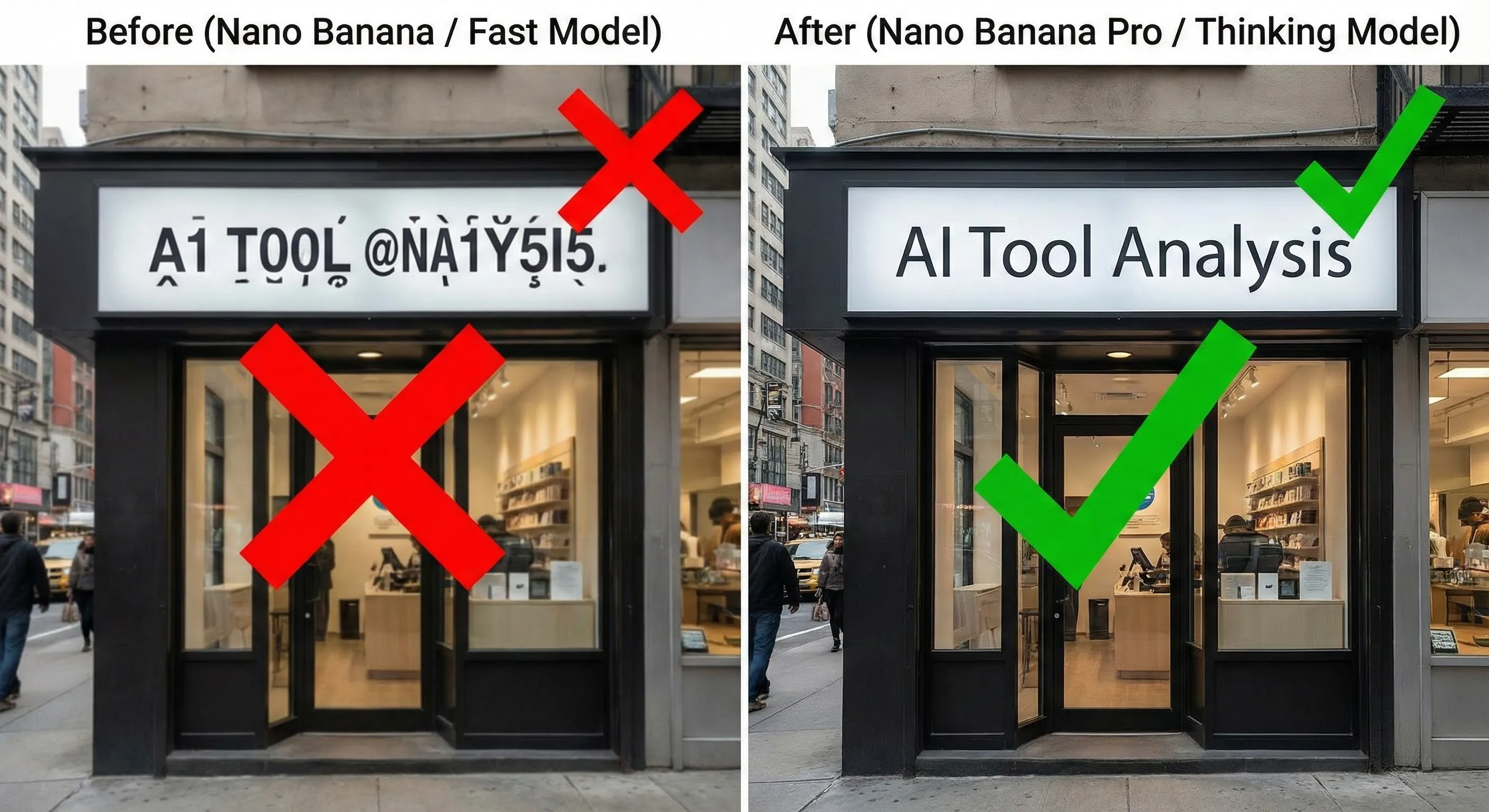
- Text in images. In Google’s own November 2025 human evaluation, Pro scored an Elo of 1198 on text rendering against 997 for Gemini 2.5 Flash Image and 1150 for GPT-Image 1. These are Google’s tests against the models available then, not an independent result.
- Reference images. The API docs list up to 6 object images, up to 5 character images and up to 3 style reference images for Pro, against up to 10 objects and 4 characters for Nano Banana 2.1 and 2.
- Resolution. 1K, 2K and 4K output, with 1K the default.
- Thinking. Gemini 3 image models use a thinking process that is on by default and cannot be switched off in the API.
- Search grounding. Google’s pricing page lists grounding for Gemini 3 Pro Image, its docs say grounding is not supported on the Nano Banana 2 Lite image model, and the model card scores the “Search On” version. Google’s pricing page lists 5,000 free grounding requests a month shared across Gemini 3 and newer models, then $14 per 1,000.
- Watermark. Google’s docs say all generated images include a SynthID watermark.


🔍 REALITY CHECK
Marketing Claims: Google describes Pro as capable of “studio-quality control” and “clear text for posters and intricate diagrams”.
What It Really Means: The same model card lists known limitations: small text is often blurry in the 1K model, long paragraphs and page-length text are weak, character consistency is not always perfect, and the model is still limited in world knowledge, 3D reasoning and factuality. Its knowledge cutoff is January 2025.
Verdict: Good for short, bold text and designed visuals. Check every label, number and name in an infographic before you publish it.
⚖️ Nano Banana Pro vs Nano Banana 2 and 2.1
Nano Banana Pro vs Nano Banana 2 is now a question about price and priorities, and Google’s own numbers lean toward the newer models. In the Nano Banana 2.1 model card, Google reports an overall human-preference Elo of 1050 for 2.1 with thinking, 1015 without, 990 for Nano Banana 2 (labelled Thinking) and 935 for Nano Banana Pro; the card does not state a thinking setting for the Pro column. On its infographic factuality score it lists 0.521 for 2.1 with thinking, 0.328 without, 0.179 for Nano Banana 2 and 0.265 for Pro. These are Google’s own evaluations, run as of October 2026, so treat them as a vendor claim.
| Model (API ID) | 1K image | 2K image | 4K image | Overall preference Elo (Google) |
|---|---|---|---|---|
| Nano Banana 2.1 (gemini-nano-banana-2.1) | $0.0336 | $0.0504 | $0.113 | 1050 (with thinking) |
| Nano Banana 2 (gemini-3.1-flash-image) | $0.067 | $0.101 | $0.151 | 990 (Nano Banana 2 Thinking) |
| Nano Banana Pro (gemini-3-pro-image) | $0.134 | $0.134 | $0.24 | 935 |
📊 Gemini API Cost per Image by Resolution (USD, Standard Pricing)
For the newer models in more depth, see our Nano Banana review and our AI image editing tools roundup.
🧭 How to Use Nano Banana Pro in Gemini and the API
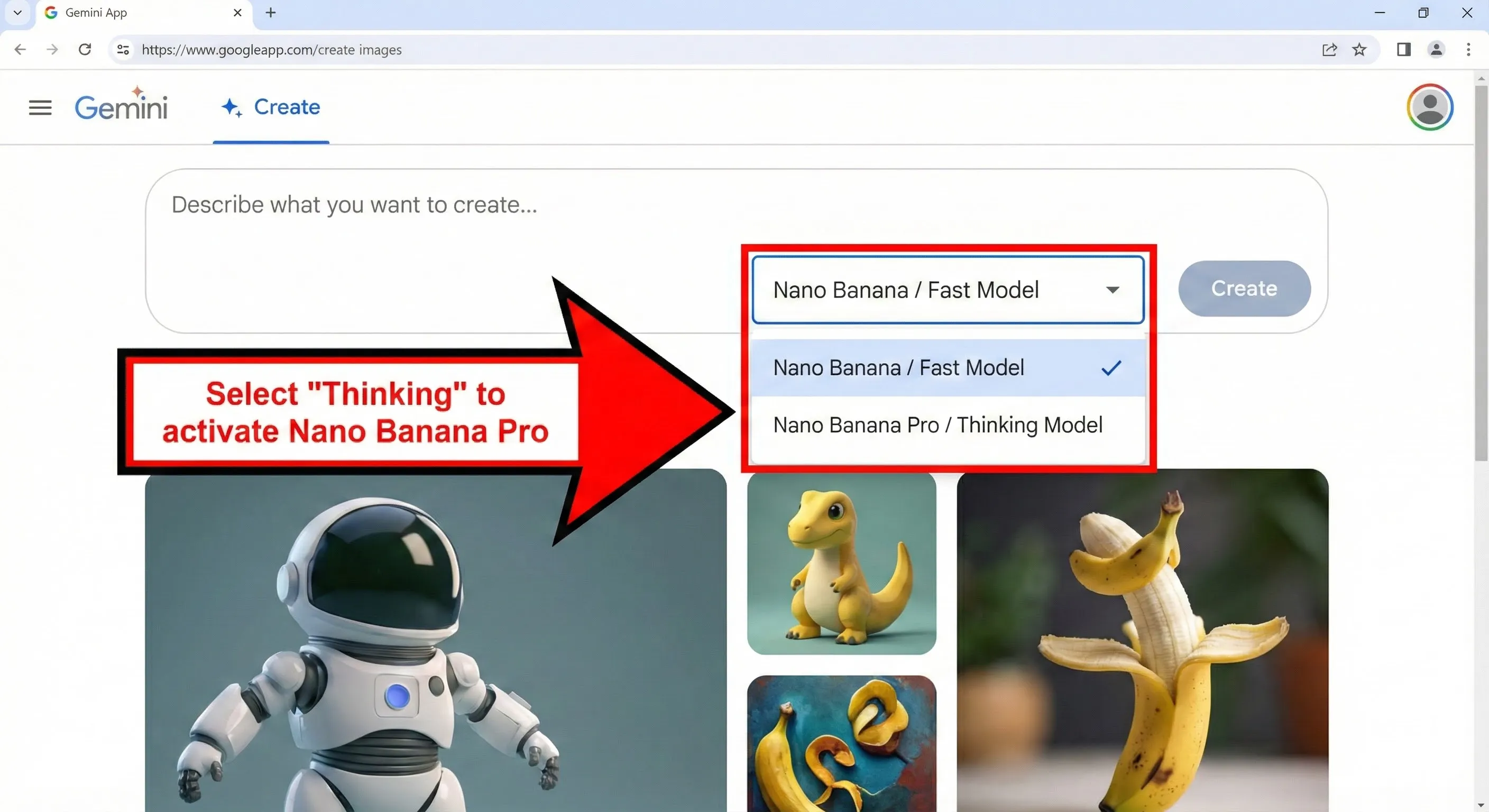
In the Gemini app. Per Google’s Gemini Apps Help, you create an image with Nano Banana 2 or Nano Banana 2 Lite, then choose More and “Redo with Pro” at the bottom right of the image, with the Gemini model set to Pro. Google says paid subscribers can use Nano Banana Pro to regenerate an image, and that if you reach your daily quota of Nano Banana 2 images you cannot redo more with Pro. Downloads from the Nano Banana 2 flow are 2K with a Google AI plan and 1K without. Our November 2025 screenshot below was annotated with an older menu, so it no longer matches Google’s help page.
In the API. The model ID is gemini-3-pro-image. Google’s deprecations page lists the older gemini-3-pro-image-preview ID with an earliest possible shutdown date of June 25, 2026 and gemini-3-pro-image as the replacement, so update any old code. Pro has no free tier in the API.
💰 Nano Banana Pro Pricing: What You Pay
| Route | Price | Nano Banana Pro access |
|---|---|---|
| Gemini app, no plan | $0 | No: “Redo with Pro” is a cross on Google’s limits page |
| Google AI Plus | $4.99 a month | Yes, via Redo with Pro |
| Google AI Pro | $19.99 a month | Yes, via Redo with Pro |
| Google AI Ultra | $99.99 or $199.99 a month | Yes, via Redo with Pro |
| Gemini API | $0.134 per 1K or 2K image, $0.24 per 4K image; half price on batch | Model ID gemini-3-pro-image, no free tier |
Google does not publish a number of images per day for any Gemini plan on the pages we read. Its limits page says limits are compute-based and refresh every five hours until you reach a weekly limit. The batch rate is $0.067 for 1K and 2K and $0.12 for 4K. For the plan ladder itself, see our Google AI Plus review.

💡 Key Takeaway: In the Gemini app, Redo with Pro needs a Google AI plan (Google’s Free plan lists only limited Pro access in Google Flow), and in the API Pro costs about 4.0 times Nano Banana 2.1 at 1K. Pay for it only when a specific image needs the premium option.
🔧 Reference Images and Consistency
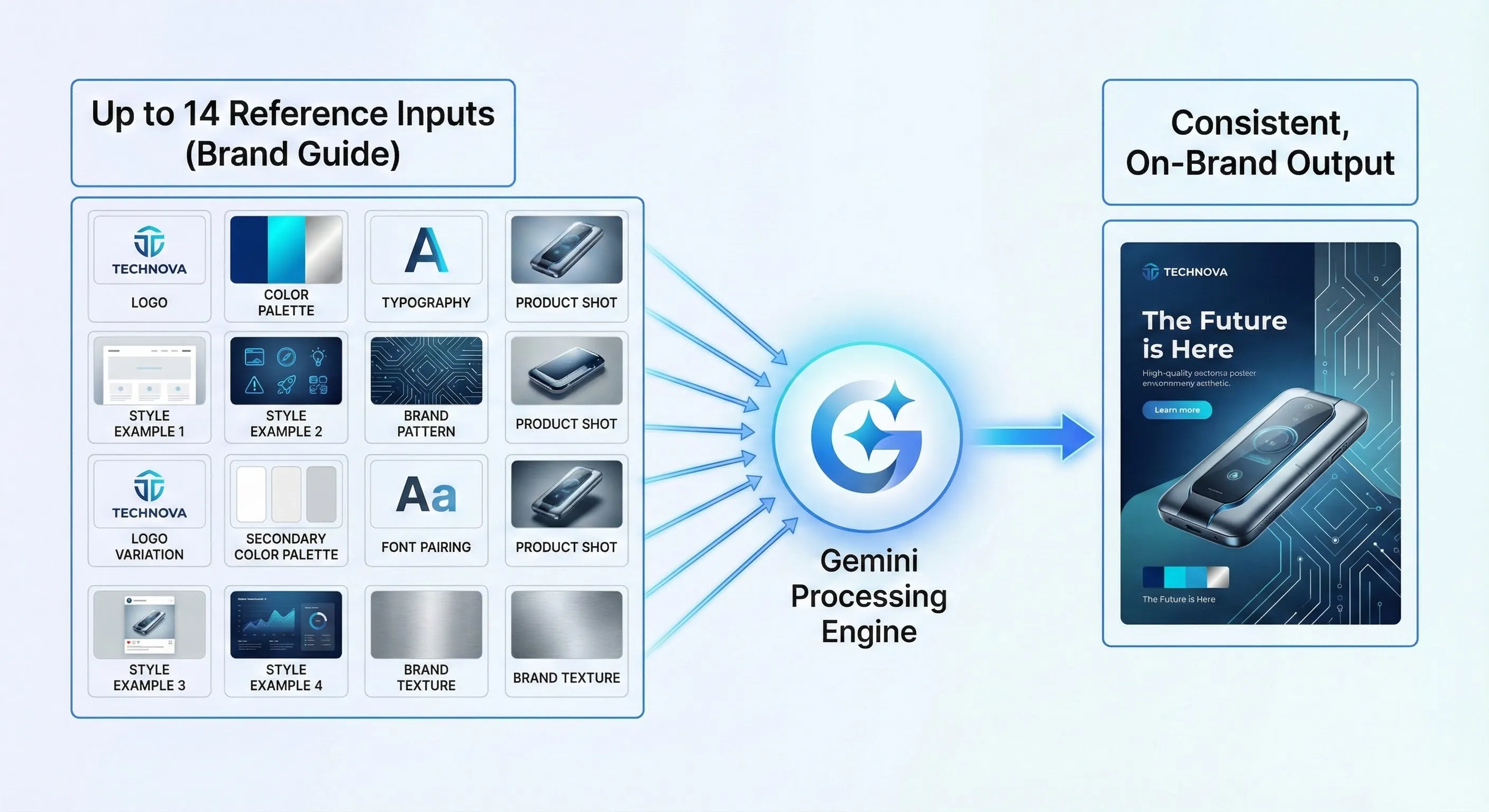
Google’s docs list up to 6 object, 5 character and 3 style reference images for Pro, against up to 10 objects and 4 characters (and no style references) for Nano Banana 2.1 and 2. Google pitches Pro on “accurate brand consistency and precision creative control”. Our November 2025 diagram below shows the idea of feeding a brand guide in as inputs, but it is an AI-made illustration, and Google’s own model card says character consistency between input and output is “not always perfect”.
📬 Enjoying this breakdown?
Get honest AI tool analysis delivered weekly. No hype, no spam.
👤 Who Should Use Nano Banana Pro (and Who Shouldn’t)
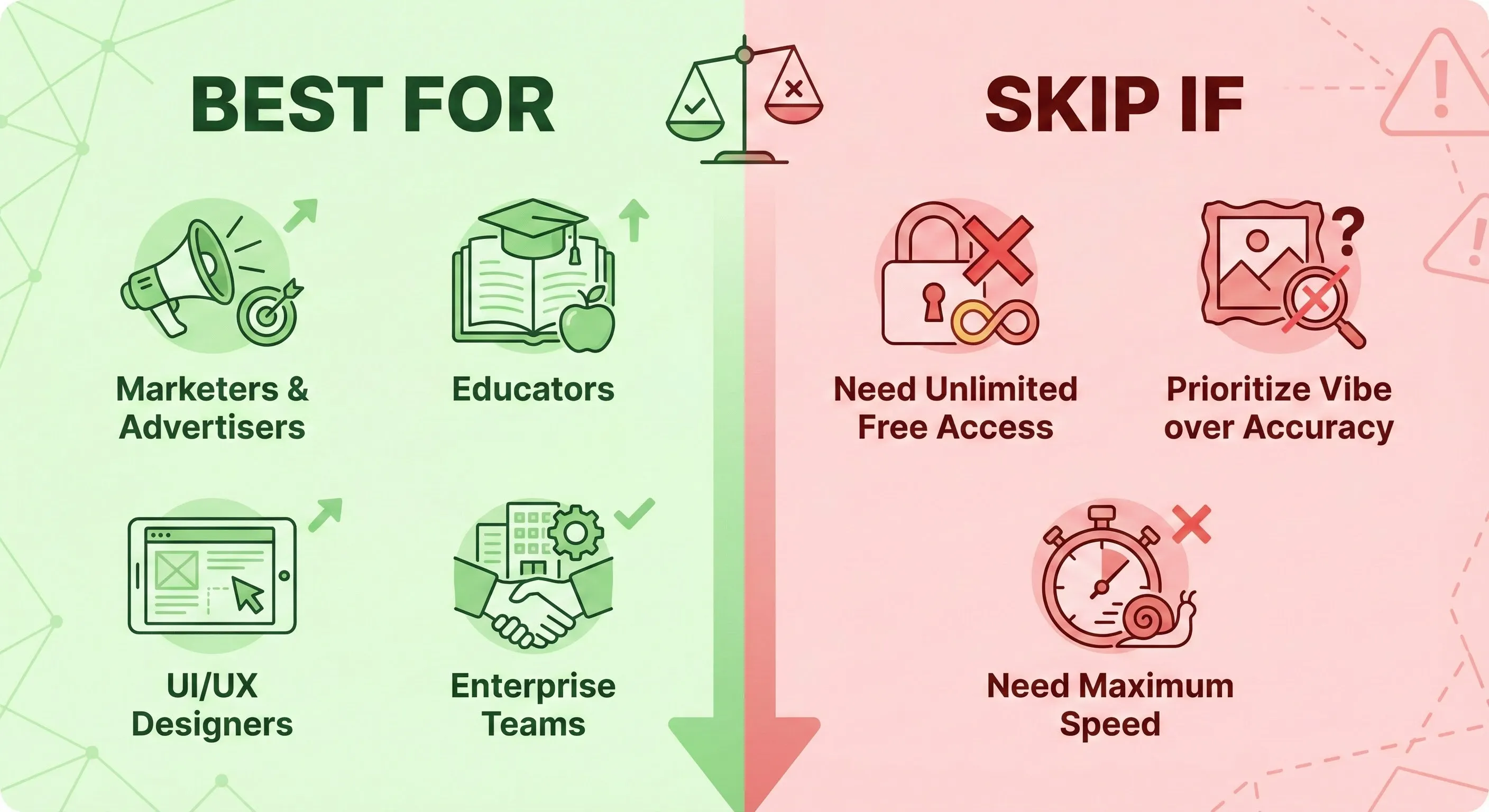
Choose Pro if: you already pay for a Google AI plan and have one complex image, such as a poster with short text or an infographic, where Nano Banana 2.1’s result is not good enough.
Choose Nano Banana 2.1 if: you generate many images, you build on the API and watch cost, or you are starting a new project, where Google steers you to 2.1 rather than 2.
Skip it if: you need free access (Redo with Pro needs a Google AI plan in the Gemini app and the API has no free tier), or you need small or page-length text rendered reliably, which Google lists as a weak spot. For other options, see our best AI image generators guide and our Midjourney review.
❓ FAQs: Your Questions Answered
Q: What is Nano Banana Pro?
A: It is Google’s Gemini 3 Pro Image model, a premium image generator and editor built on Gemini 3 Pro and launched in November 2025.
Q: Is Nano Banana Pro better than Nano Banana 2?
A: Google’s own October 2026 evaluation puts Nano Banana 2 (990 Elo) ahead of Pro (935) on overall preference, though Pro scores higher on infographic factuality (0.265 against 0.179) and is the premium option in Google’s docs for complex tasks.
Q: Is Nano Banana Pro free?
A: Not in the Gemini app or API. Redo with Pro needs a Google AI plan (Plus is $4.99 a month) and the API has no free tier, though Google’s Free plan lists limited access to Nano Banana Pro in Google Flow.
Q: How much does Nano Banana Pro cost?
A: In the Gemini API it is $0.134 per 1K or 2K image and $0.24 per 4K image at standard rates. In the Gemini app it comes with Google AI Plus at $4.99, Pro at $19.99 or Ultra.
Q: What is the Nano Banana 2 price?
A: In the API, Nano Banana 2 costs $0.067 per 1K image and Nano Banana 2.1 costs $0.0336. In the Gemini app, image creation with Nano Banana 2 is available without a Google AI plan.
Q: How do I use Nano Banana Pro in Gemini?
A: Make an image with the Gemini model set to Pro, then choose More and Redo with Pro at the bottom right. Google says paid subscribers can do this, and it stops working once your daily Nano Banana 2 quota is used up.
Q: Can Nano Banana Pro render text?
A: Google’s evaluations rate its text rendering highly, but its model card lists small text, long paragraphs and page-length text as weak, so check every word.
Q: What is the Nano Banana Pro API model name?
A: gemini-3-pro-image. The older gemini-3-pro-image-preview ID has an earliest shutdown date of June 25, 2026, so use the new name.
⚖️ Final Verdict: Still Premium, No Longer the Default
Google’s model card showed Nano Banana Pro leading on Elo when it launched, and Google still positions it as the premium choice for complex visual tasks. But Google’s own newest overall-preference numbers favor Nano Banana 2.1, which also costs far less to run in the API. Start with the newer models, reach for Pro when you have a complex visual task and the extra cost is justified, and always check generated text.
Use Pro if: you have a complex, high-value image. Use 2.1 if: you want volume and lower API cost. Skip it if: you need free access. Check Google’s Gemini help page for what your plan includes.

Founder of AI Tool Analysis. Reads every pricing page, help article and footnote so you don’t have to. Covering AI tools since 2025. See how we research →
Related Reading
- Nano Banana Review
- AI Image Editing Tools
- Best AI Image Generators
- Midjourney Review
- Google AI Plus Review
- Google Flow Review
- Google Gemini Review
Stay Updated on AI Image Tools
Image models and plans change fast. Get the changes that affect what you pay, straight from the vendors’ own pages.
- ✅ Honest Breakdowns: We read the model cards and pricing pages, not press releases
- ✅ Price Tracking: Know when plans change price or features
- ✅ Comparison Updates: As the market shifts, we update our verdicts
- ✅ No Hype: Just the AI news that matters for your images and wallet
Free, unsubscribe anytime.

Last Updated: October 10, 2026
Model Covered: Gemini 3 Pro Image (Nano Banana Pro) as documented by Google on October 10, 2026
Next Review Update: November 10, 2026
Have a tool you want us to cover? Suggest it here | Questions? Contact us