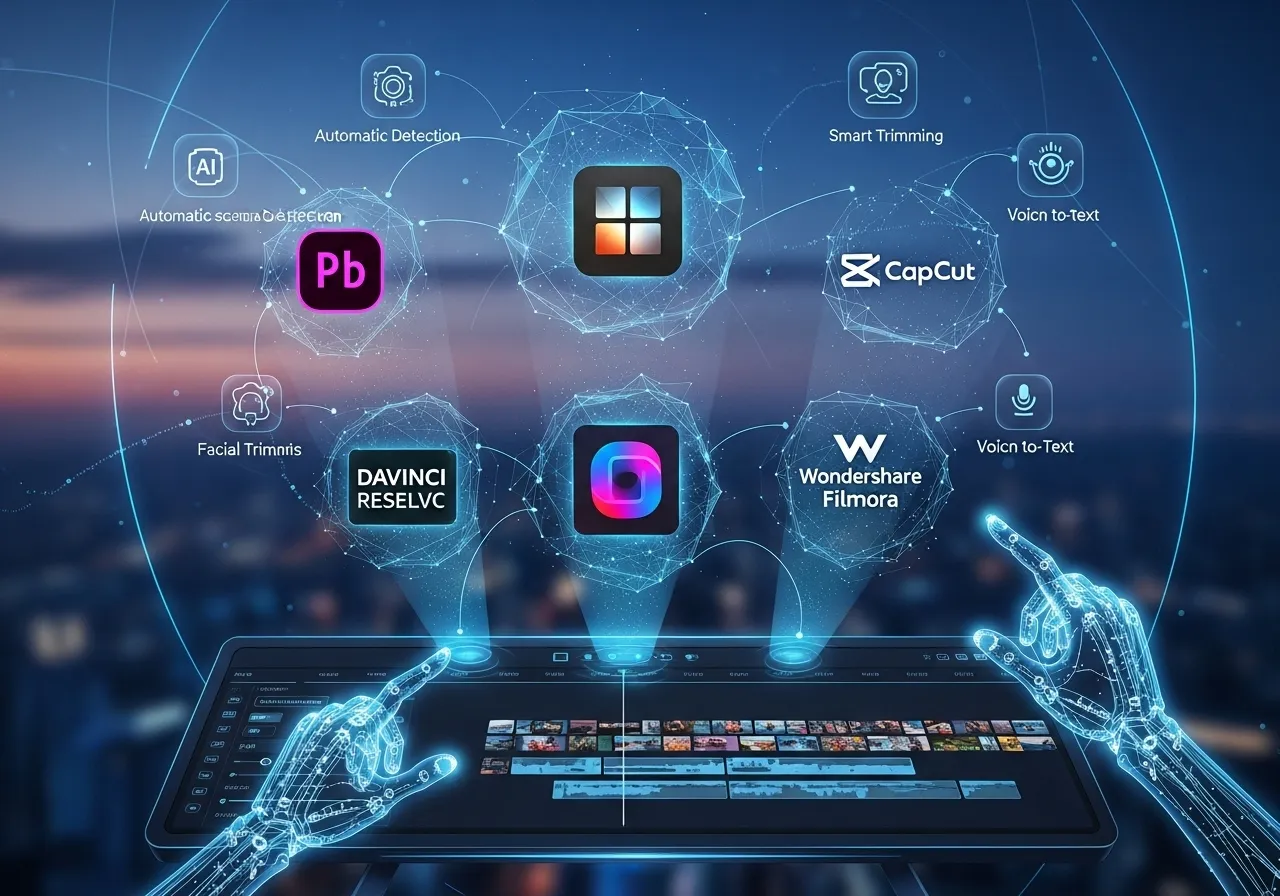
Looking for the best AI video editor in 2026 is mostly a pricing question. The editing tools have all added AI features (captions, text-based editing, masking, generative fill), and the real differences are what you pay, how much AI you get, and how much of it is locked behind a higher plan. This guide compares six editors on the prices their own pricing pages show on October 10, 2026: Adobe Premiere, DaVinci Resolve, Descript, VEED, Filmora and CapCut, plus a short note on AI video generators. If you came here from our 2025 edition, several plans and prices have changed.
⚡ TL;DR: The Bottom Line
What It Is: A price-first comparison of six AI video editors: Adobe Premiere, DaVinci Resolve, Descript, VEED, Filmora and CapCut.
Lowest Cost After Year One: DaVinci Resolve. Studio (with the AI Neural Engine) is $295 once, so there is no renewal, and a free version exists with fewer AI tools.
Best For Talking Videos: Descript, which edits video as text, from $16 a month (the lower of two prices, which appears to be annual billing).
Lowest Yearly Price We Could Read: VEED Creator at $116 a year, with 6,000 credits. Filmora’s page showed different prices in two reads, so we do not rank it.
⚠️ The Catch: Most “AI” features run on credits, and the cheap tiers have small allowances. Compare the credits, not just the monthly price.
📑 Quick Navigation
💰 AI Video Editing Tools Compared: Prices at a Glance
| Tool | Entry paid price shown | Free tier | AI allowance | Best for |
|---|---|---|---|---|
| DaVinci Resolve 21 | Studio $295 one-time | Yes, full editor up to Ultra HD | Neural Engine in Studio | Editors who want to pay once |
| Adobe Premiere | $22.99 a month (first year, new subscribers) | 7-day trial; free mobile app | 25 generative credits a month | People who work in Adobe apps |
| Descript | Hobbyist $16 or $24 (appears to be annual vs monthly) | Yes: 1 media hour, 720p | 400 credits a month on Hobbyist | Podcasts, interviews, talking video |
| VEED | Creator $10 a month billed yearly ($116) | Yes | 6,000 credits on Creator | Subtitles and quick social edits |
| Filmora | Price differed between two reads of the page | Yes, with watermark | 1,000 AI credits a month | Beginners who want guided editing |
| CapCut | Not quotable (page showed local currency) | Yes | 1,200 credits a month on Pro | Short social video |
📊 First-Year Cost (USD): Blue = Subscription, Yellow = Pay Once, Red = Full Suite at Regular Price
🎬 DaVinci Resolve 21: The One-Time Purchase
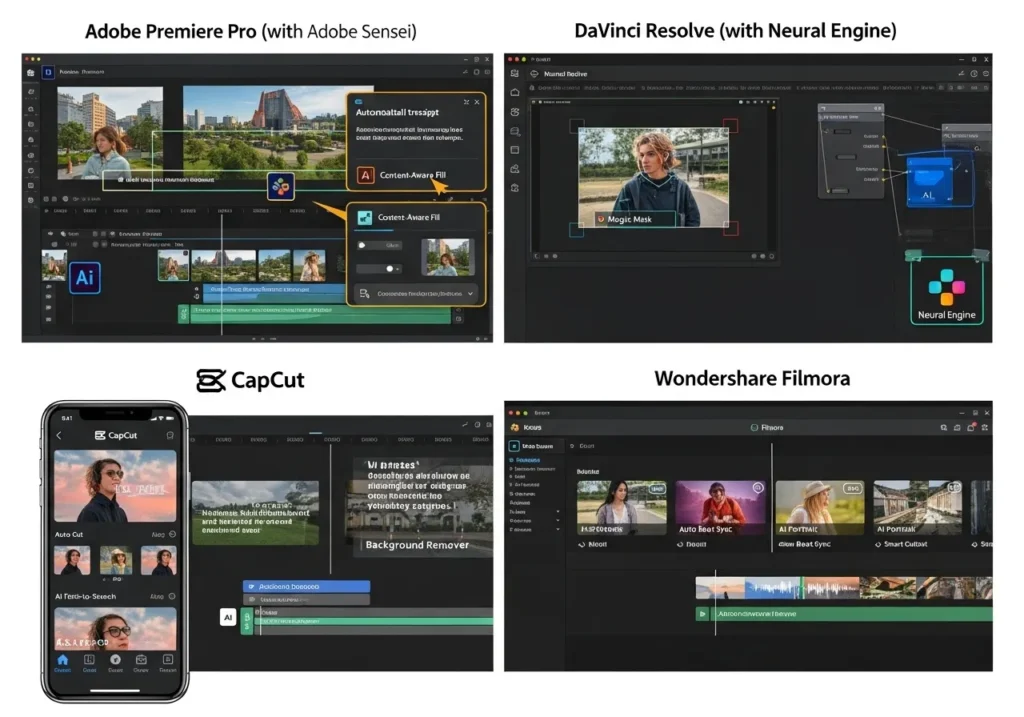
Blackmagic’s DaVinci Resolve page lists version 21, a free version, and Studio at $295 one-time. The free version handles most 8-bit formats up to 60fps at resolutions up to Ultra HD, with multi-user collaboration and HDR grading. Studio is where the AI lives: the page says it adds the DaVinci AI Neural Engine, text-based editing, magic mask, noise reduction, 10-bit up to 120fps, resolutions above 4K and more Fairlight plugins. Newly named AI tools include IntelliSearch, CineFocus, IntelliTrack AI, Voice Isolation and Music Remixer. Our DaVinci Resolve review covers the earlier version in more depth.
Who it suits: anyone willing to learn a bigger tool in exchange for paying once. The catch: the AI features are Studio-only, and in our view the learning curve is steeper than for template-driven editors.
🎞️ Adobe Premiere: Subscription and Generative Credits
Adobe dropped “Pro” from the name: Adobe’s page says Premiere Pro “is now simply called Adobe Premiere”. Premiere for individuals is US$22.99 a month, a price the page says is for the first year for new subscribers, and it is subscription-only with a seven-day trial. Creative Cloud Pro is regularly US$69.99 a month (US$34.99 for the first three months for new subscribers) and includes Premiere plus 4,000 monthly generative credits, against 25 on Premiere alone. Teams pay US$37.99 per license for Premiere.
The AI list on Adobe’s page: Generative Extend (which Adobe says uses Firefly), Object Mask, Media Intelligence search, Text-Based Editing, caption translation into 18 languages, and Enhance Speech. The 25-credit standalone allowance is the number to watch: generative features that use credits may run out quickly on the cheapest plan. For the credit rules behind Firefly, see our Adobe Firefly review.
🔍 REALITY CHECK
Marketing Claims: Premiere “US$22.99/mo”.
What It Really Means: Adobe says that price is for the first year and for new subscribers. After that you are on the regular plan price, and the standalone plan includes only 25 monthly generative credits.
Verdict: Treat $22.99 as an introductory rate and check the renewal price before you subscribe.
Because Premiere’s price is introductory, a longer-term comparison needs the renewal price from your own checkout screen. Who it suits: people already paying for Adobe apps or whose clients require Premiere files. The catch: subscription only, credit-limited AI, and a price that changes after year one.
🗣️ Descript: Edit Video Like a Document
Descript’s pricing page shows two prices for each paid plan next to a Monthly and Annual toggle, with “saving up to 35% over monthly plan”: Hobbyist $16 or $24, Creator $24 or $35, and Business $50 or $65 per person a month. The lower figure appears to be annual billing. Hobbyist gives 10 media hours, 400 AI credits and 1080p export. Creator gives 30 hours, 800 credits and 4K. Business gives 40 hours and 1,500 credits and adds translation and dubbing into 30+ languages. The Free plan is 1 media hour a month, 100 one-time AI credits and 720p export. Our Descript review goes into the text-based editing workflow.
Who it suits: podcasters, interview and tutorial makers who want to cut by editing a transcript. The catch: the media-hour and credit limits, and the free plan exports at 720p.
📬 Enjoying this breakdown?
Get honest AI tool analysis delivered weekly. No hype, no spam.
✂️ VEED: Subtitles and Quick Edits in the Browser
VEED’s pricing page lists Creator at $10 a month billed yearly as $116, Pro at $21 ($257 a year) and Studio at $35 ($414 a year), per user. Creator includes 6,000 credits, no watermark and unlimited auto subtitles. Pro adds 30,000 credits, multiple brand kits and translation into 50+ languages. Studio has 180,000 credits and custom templates. Monthly-billing prices were not in the page text we could read, so the figures above are the yearly-billed rates. We also have a separate VEED review.
Who it suits: marketers who want subtitles, resizing and AI clips in a browser. The catch: prices are per user, and the entry plan is credit-based.
🧰 Filmora: AI Helpers for Beginners
Filmora’s pricing page lists a Free plan (exports carry a watermark), an annual Basic plan with 500 free AI Mate conversations, an Advanced plan with 1,000 AI credits a month and 10 GB of cloud storage, and a one-time Perpetual license. The Perpetual license is device-specific (Windows or Mac) and covers updates within Filmora 16 only, not future major versions. The prices differed between our two reads of the same page: one showed Advanced at US$59.99 a year (against US$69.99) and the other showed lower figures, including US$29.99 a year for Advanced. Because we cannot tell which a US visitor sees, we do not quote Filmora prices here. Check the live page.
Who it suits: beginners who want guided AI editing. The catch: its prices varied between reads, and “perpetual” does not include the next major version.
📱 CapCut: Free to Start, Credits to Grow
CapCut’s pricing page lists Free, Pro, Ultra and Teams plans. Pro includes 1,200 monthly AI credits, Ultra 8,645, and both include 1 TB of storage. The page shows plan prices in Pakistani rupees from our location and says displayed pricing is for reference, so we do not quote plan prices. In US dollars it lists AI generation rates: Seedance 2.5 from $0.12 a second on Pro and $0.18 on Ultra in the first month. Our earlier $5.99 and $19.99 figures could not be re-verified, so they are gone. See our Seedance review for what those generation rates mean.
Who it suits: short social video makers who want a free start. The catch: check your own checkout page for the real local price before upgrading.
🤖 What About AI Video Generators?
Generators create new clips rather than edit footage, and they sit beside an editor rather than replace it. We have only kept the generators whose prices we have verified recently. Adobe Firefly starts at $9.99 a month (Standard) and $19.99 (Pro), before tax, with credits that do not roll over. Kling’s membership page shows Standard at $8.80 a month after a $6.99 first month and Pro at $32.56, covered in our Kling AI pricing guide. Runway’s Standard is $15 a month ($12 billed annually) for 625 credits, about 52 seconds of Gen-4.5; see our Runway review. We removed Sora 2, Pika and HeyGen prices from this page because we could not re-verify them; our HeyGen review covers avatar video, and the Google Flow review covers Google’s tool.
🏆 Which AI Video Editor Should You Choose?
Best AI video editor for beginners: try the free plans of Filmora and CapCut first (VEED has a free plan too, but we did not read its limits), or DaVinci Resolve’s free version if you are willing to learn a bigger tool. If you pay, compare monthly AI credits as well as price: VEED Creator gives 6,000 credits for $116 a year.
Best free AI video editor: DaVinci Resolve’s free version has the most documented capabilities among the free plans whose limits we could read (Ultra HD, 60fps, HDR grading, collaboration), but the Neural Engine AI is Studio-only. Descript’s free plan (1 media hour, 720p) and Filmora’s free plan (watermark) are limited. CapCut’s free plan lists free templates and basic editing tools.
AI video editing on mobile: Adobe says Premiere has a free mobile app, and that generative features in it use credits. We could not confirm CapCut’s mobile plan details from its pricing page.
Best for professionals: DaVinci Resolve Studio if you want to pay once, or Premiere if your team lives in Adobe apps. Best for podcasters and talking-head video: Descript. Best for subtitles and quick marketing edits: VEED.
❓ FAQs: Your Questions Answered
Q: What is the best AI video editor in 2025 or 2026?
A: If you want to pay once, DaVinci Resolve: a free version and a $295 one-time Studio license with the Neural Engine. For talking videos, Descript. For Adobe users, Premiere.
Q: What is the best AI video editor for beginners in 2025 and 2026?
A: Filmora, VEED and CapCut all offer free plans to start with. DaVinci Resolve is free too, but in our view it is the biggest tool to learn.
Q: What is the best free AI video editor in 2025 and 2026?
A: Among the free plans whose limits we could read, DaVinci Resolve’s free version has the most documented capabilities, though its AI tools need Studio. Descript’s free plan gives 1 media hour at 720p, and Filmora’s free plan exports with a watermark.
Q: How much does Adobe Premiere cost?
A: US$22.99 a month for individuals, a first-year price for new subscribers, with 25 monthly generative credits. Creative Cloud Pro is regularly US$69.99 a month with 4,000 credits.
Q: Is DaVinci Resolve Studio worth $295?
A: If you use the AI tools (Neural Engine, text-based editing, magic mask) or need 10-bit, 120fps or above-4K work, yes: it is a one-time price. If the free version meets your needs, you can skip it.
Q: How much does Descript cost?
A: Hobbyist is $16 or $24 a month, Creator $24 or $35 and Business $50 or $65 per person, depending on billing. Free gives 1 media hour a month.
Q: How much is CapCut Pro?
A: We cannot quote it: CapCut’s page showed prices in local currency, and says to sign in for final pricing. Pro includes 1,200 AI credits a month.
Q: Do I need an AI video generator as well as an editor?
A: Only if you need clips you cannot film. Generators such as Firefly, Kling and Runway have paid plans from about $9.99, $8.80 and $15 a month, and you still need an editor for the final cut.
Final Verdict: Pick by Price Model, Then by Features
The six editors split into three price models: pay once (DaVinci Resolve), subscribe per seat (Descript, VEED, Filmora, Premiere) and pay for credits on top (nearly all of them). Our recommendation follows from that. If you want predictable costs, DaVinci Resolve has no renewal fee. If you want a low yearly price with a credit allowance, VEED Creator at $116 a year is the lowest we could read. If you cut spoken-word video, Descript is built for it. And for Adobe-first teams, Premiere is the natural fit, provided you check the renewal price.
Check before you buy: the credit allowance, whether the price is introductory, and what your checkout screen says in your own currency. Prices here are from each vendor’s pricing page on October 10, 2026.

Founder of AI Tool Analysis. Reads every pricing page, help article and footnote so you don’t have to. Covering AI tools since 2025. See how we research →
Related Reading
- DaVinci Resolve Review
- Descript Review
- VEED Review
- Adobe Firefly Review
- Runway Review
- Kling AI Pricing
- HeyGen Review
- Google Flow Review
- ElevenLabs Review (AI Voice)
Stay Updated on AI Video Tools
AI video tools change plans and prices all the time. Get the changes that affect what you pay, straight from the vendors’ own pages.
- ✅ Honest Breakdowns: We read the pricing pages and footnotes, not press releases
- ✅ Price Tracking: Know when tools drop prices or add free tiers
- ✅ Comparison Updates: As the market shifts, we update our verdicts
- ✅ No Hype: Just the AI news that actually matters for your work
Free, unsubscribe anytime.

Last Updated: October 10, 2026
Versions Covered: DaVinci Resolve 21, Adobe Premiere, Descript, VEED, Filmora 16, CapCut
Next Review Update: November 10, 2026
Have a tool you want us to cover? Suggest it here | Questions? Contact us