
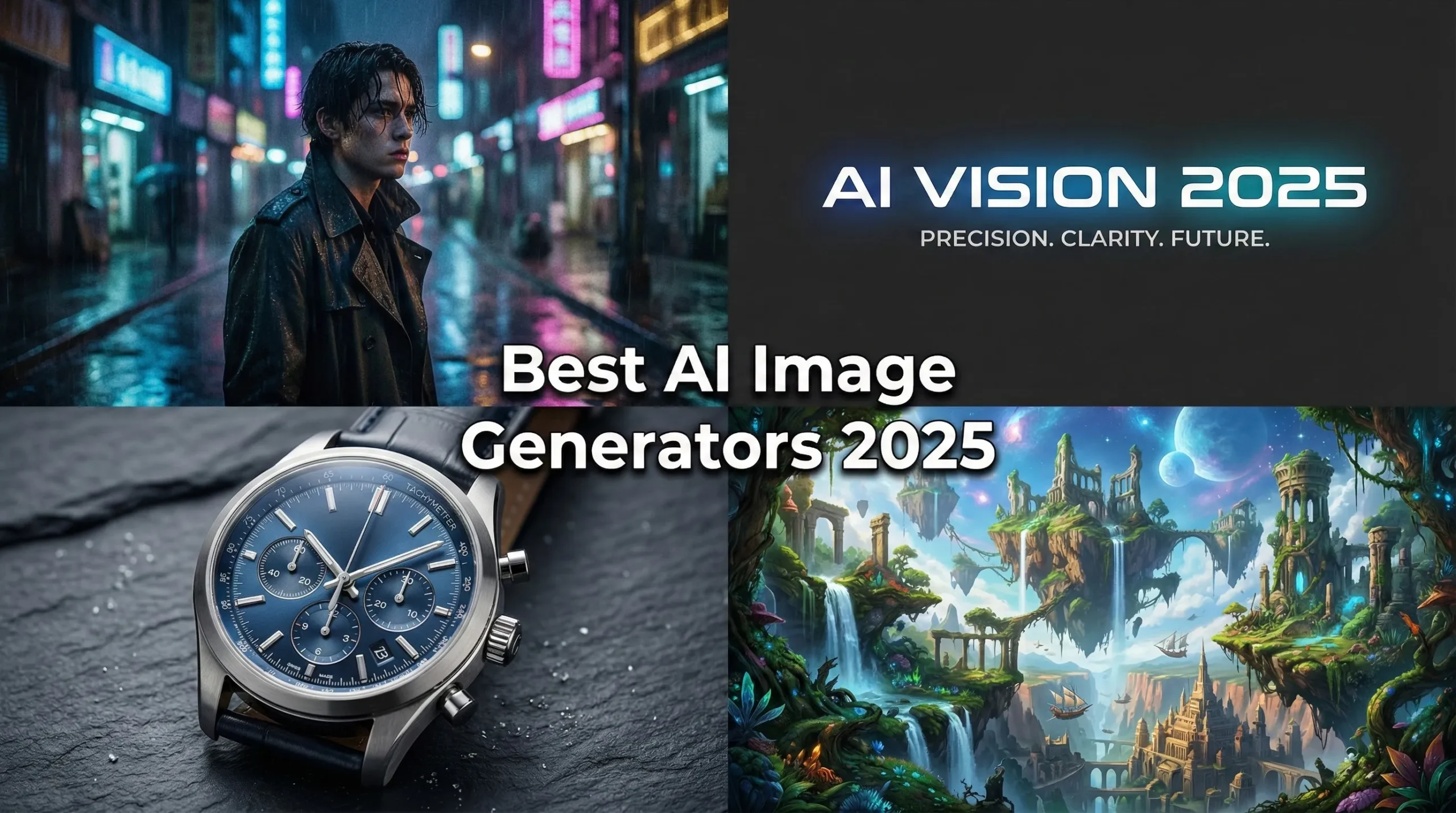
If you’ve been ignoring AI image generation, thinking it’s just for creating fantasy landscapes or six-fingered astronauts, 2025 is the year to look again. The leap in quality over the last 12 months has been staggering. We’re no longer talking about quirky novelties; we’re talking about tools that can produce photorealistic product shots, accurate typography, and commercially viable illustrations.
But with major players like OpenAI, Google, Adobe, and Midjourney releasing massive updates, choosing the best AI image generation tool has become paralyzingly complex.
I’ve spent the last month testing the leading contenders—Midjourney V7, GPT-4o’s image capabilities (GPT-Image-1), Google Imagen 4, Ideogram 3.0, Adobe Firefly, and the latest Stable Diffusion models—to see which ones actually deliver on their promises.
The Bottom Line: Best AI Image Generation Tools 2025
The biggest change in 2025 is the mastery of two previous weaknesses: photorealism and text accuracy. Tools like Google Imagen 4 can produce images nearly indistinguishable from professional photography, while GPT-Image-1 and Ideogram 3.0 can finally render complex text and logos flawlessly.
However, the market is fractured. You have easy-to-use, integrated platforms like GPT-4o within ChatGPT, which offer incredible convenience but less creative control. Then you have specialized tools like Midjourney V7, which provides unparalleled artistic aesthetics. Finally, open-source models like Stable Diffusion 3 offer total control and privacy, but require technical know-how.
If you need the best balance of quality, ease of use, and text accuracy, GPT-4o (GPT-Image-1) is the current leader. If aesthetics and a signature “cinematic look” are your priority, Midjourney V7 remains unmatched. And for businesses prioritizing legal safety above all else, Adobe Firefly is the safest bet.
Click any section to jump directly to it
The State of AI Imagery in Late 2025
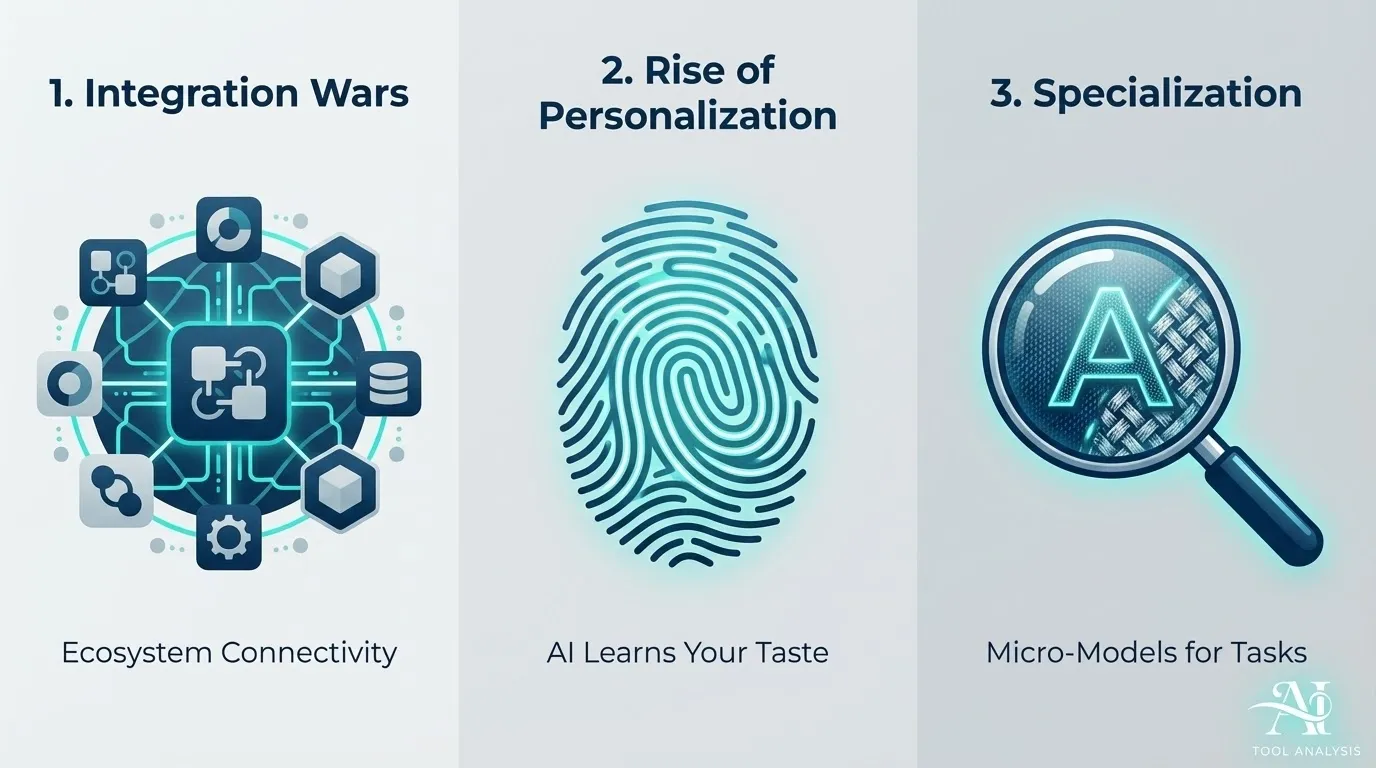
In 2025, AI image generation isn’t just about creating an image; it’s about integrating that creation into a workflow. We’re seeing three major trends defining the market:
1. The Integration Wars
The biggest players want you to stay within their ecosystems. OpenAI integrates GPT-Image-1 directly into ChatGPT, allowing you to generate, refine, and edit images conversationally. Google embeds Imagen 4 into Gemini, Google Docs, and even the Chrome browser. Adobe Firefly is deeply woven into Photoshop and Illustrator, focusing on practical tools like Generative Fill and Expand.
This integration is convenient, but it locks you in. If you switch platforms, you lose your workflow.
2. The Rise of Personalization
Generative AI can feel generic. Midjourney addressed this head-on with V7, released in April 2025. It introduced default personalization, where users rate images to train the model on their specific aesthetic preferences. This means your version of Midjourney will produce different results than mine, even with the same prompt.
3. Specialization and Micro-Models
While the large models dominate, we’re seeing a rise in specialized models for specific tasks. Ideogram specializes in typography. We are also seeing specialized models emerge from major players, such as Google’s recent trend-setting Nano Banana Pro model (built on Gemini) which excels at specific image editing tasks.
🔍 REALITY CHECK: Prompt Engineering Still Matters
Marketing Claims: “Create perfect images with simple words.”
Actual Experience: While models like GPT-Image-1 understand natural language better than ever, getting precisely what you want still requires careful prompt crafting. You need to understand lighting, camera angles, composition, and style keywords. For example, specifying “soft studio key light” vs. “rim light” drastically changes the output.
Verdict: The tools are easier to use, but mastering them still requires skill. It’s less like magic and more like directing a very literal (and sometimes confused) photographer.
🥊 The Contenders: 6 Best AI Image Generators
After extensive testing, these are the six tools that stand out in the crowded 2025 market. We evaluated them based on image quality, realism, text accuracy, speed, ease of use, cost, and creative control.
📊 Key Insights: Tool Comparison Across 6 Metrics
Key Insight: GPT-Image-1 offers the best balance across all metrics, while Imagen 4 dominates in speed and photorealism.
1. Midjourney V7: The Aesthetic King Gets Personal
Midjourney has long been the favorite for artists and creators seeking a specific, cinematic aesthetic. V7, launched in April 2025, doubles down on this while introducing powerful new ways to control the output.
What’s New in V7?
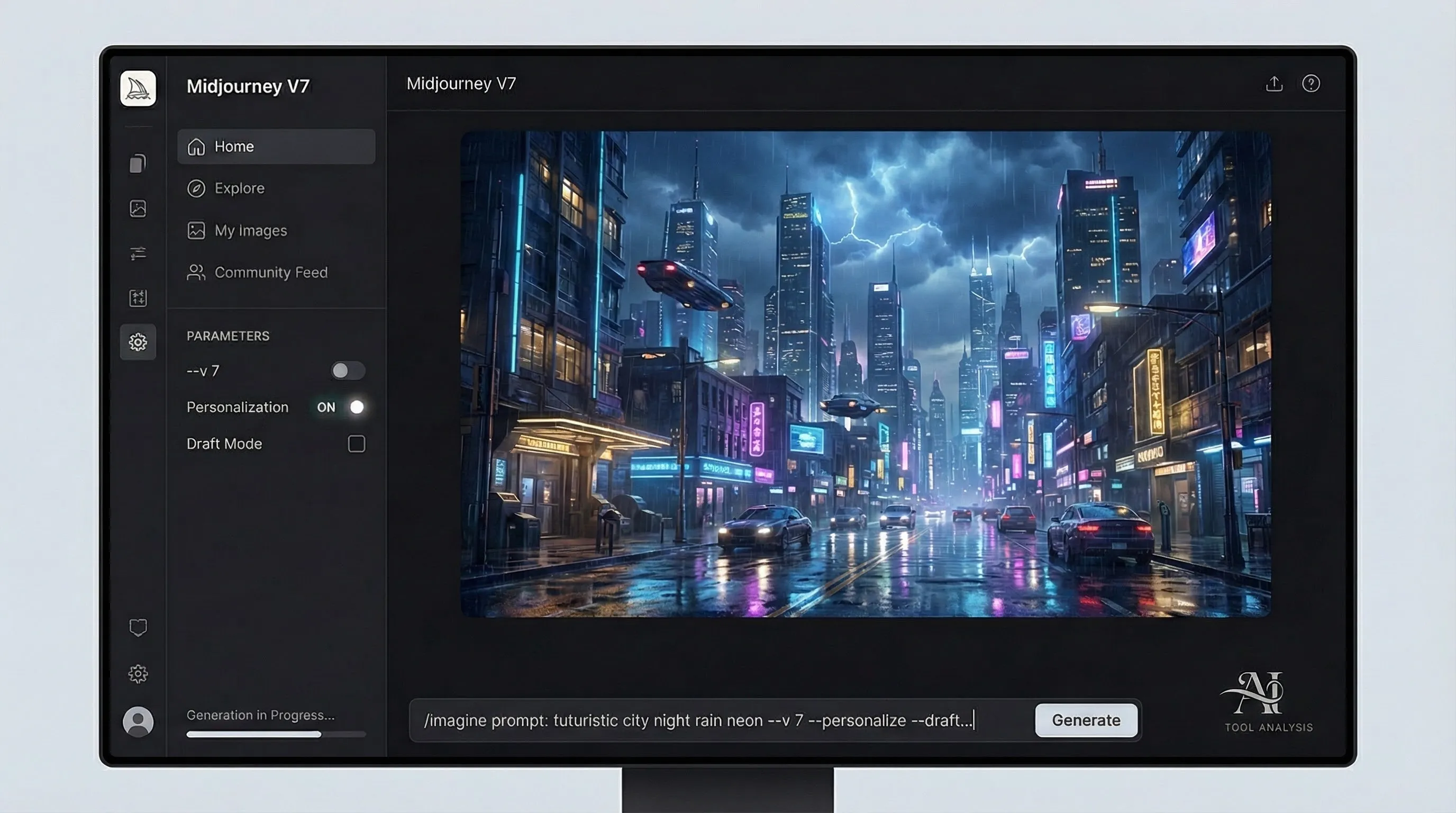
- Default Personalization: This is the game-changer. By rating images, V7 learns your taste. I found that after rating about 100 images, the outputs started aligning much more closely with my preferred style (moody, high-contrast, film grain) without me having to add those keywords to every prompt.
- Enhanced Realism and Coherency: V7 shows significant improvements in rendering textures, lighting, and anatomy (yes, hands are finally consistently good).
- Draft Mode: A fantastic feature for brainstorming. It generates images at ten times the speed and half the cost, albeit at slightly lower quality. This is perfect for rapidly iterating on ideas before committing to a full render.
- Improved Web Interface: While still heavily reliant on Discord, the web interface is becoming more robust for organizing and editing images.
Why Choose Midjourney V7?
If aesthetics are your top priority, Midjourney is still the leader. It has an “opinionated” style that produces stunning results even from simple prompts. It’s ideal for concept art, illustrations, and images where emotional impact matters more than pixel-perfect accuracy.
Limitations
Midjourney still struggles with precise text rendering compared to GPT-Image-1 or Ideogram. The Discord interface remains a barrier for some users, and there is no free tier.
Pricing: Starts at $10/month (Basic) up to $120/month (Mega).
💬 2. GPT-Image-1 (GPT-4o): The Conversational Powerhouse
OpenAI’s latest image model, often referred to as GPT-Image-1 and accessed via GPT-4o, is arguably the best all-around AI image generator in 2025. Its strength lies not just in image quality, but in its seamless integration with ChatGPT.
Key Strengths
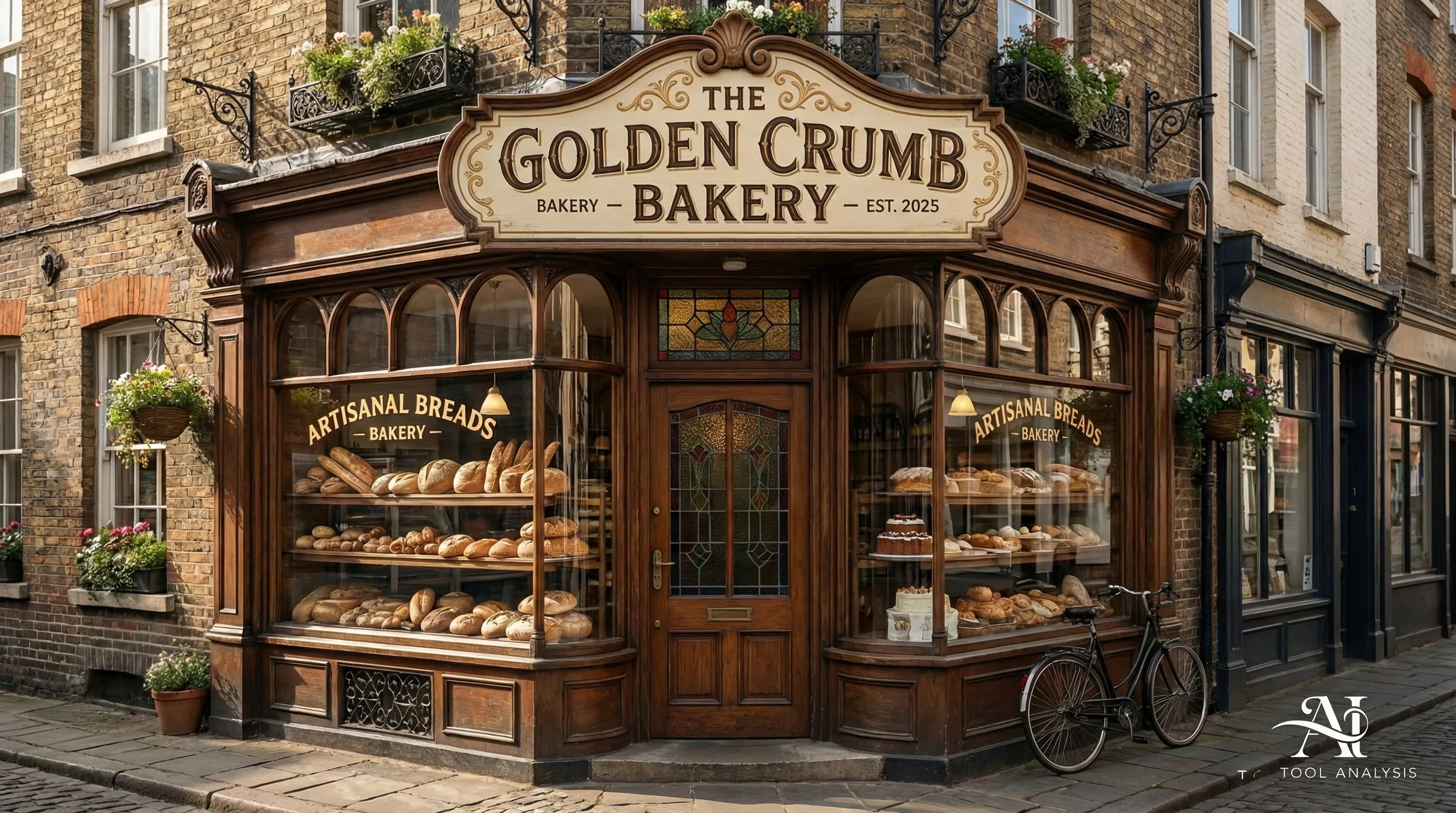
- Unmatched Text Accuracy: This is where GPT-Image-1 shines. It currently leads the benchmarks for accurate text rendering. I tested it with a prompt asking for a neon sign with specific stylized text, and it delivered flawless results on the first try.
- Conversational Refinement: You don’t need complex prompt engineering. You can generate an image and then chat with the AI to refine it. “Make the background darker,” “Change the character’s shirt to blue,” or “Add more fog.” This intuitive workflow makes it the easiest tool for beginners.
- Enterprise Safety: OpenAI has implemented robust safety features and C2PA watermarking (metadata proving the image is AI-generated), making it a safer choice for businesses.
Why Choose GPT-Image-1?
It’s the best choice for users who prioritize ease of use, accurate text, and a balanced output. It’s excellent for creating “useful images” like UI wireframes, signage, and diagrams.
Limitations
The aesthetic quality, while excellent, often lacks the distinct “wow factor” and artistic flair of Midjourney V7. It can sometimes feel a bit sterile or “corporate.” Additionally, OpenAI’s content filtering remains strict, sometimes flagging benign prompts.
Pricing: Included in ChatGPT Plus ($20/month) and higher tiers. Limited free access available.
📸 3. Google Imagen 4: Speed and Photorealism
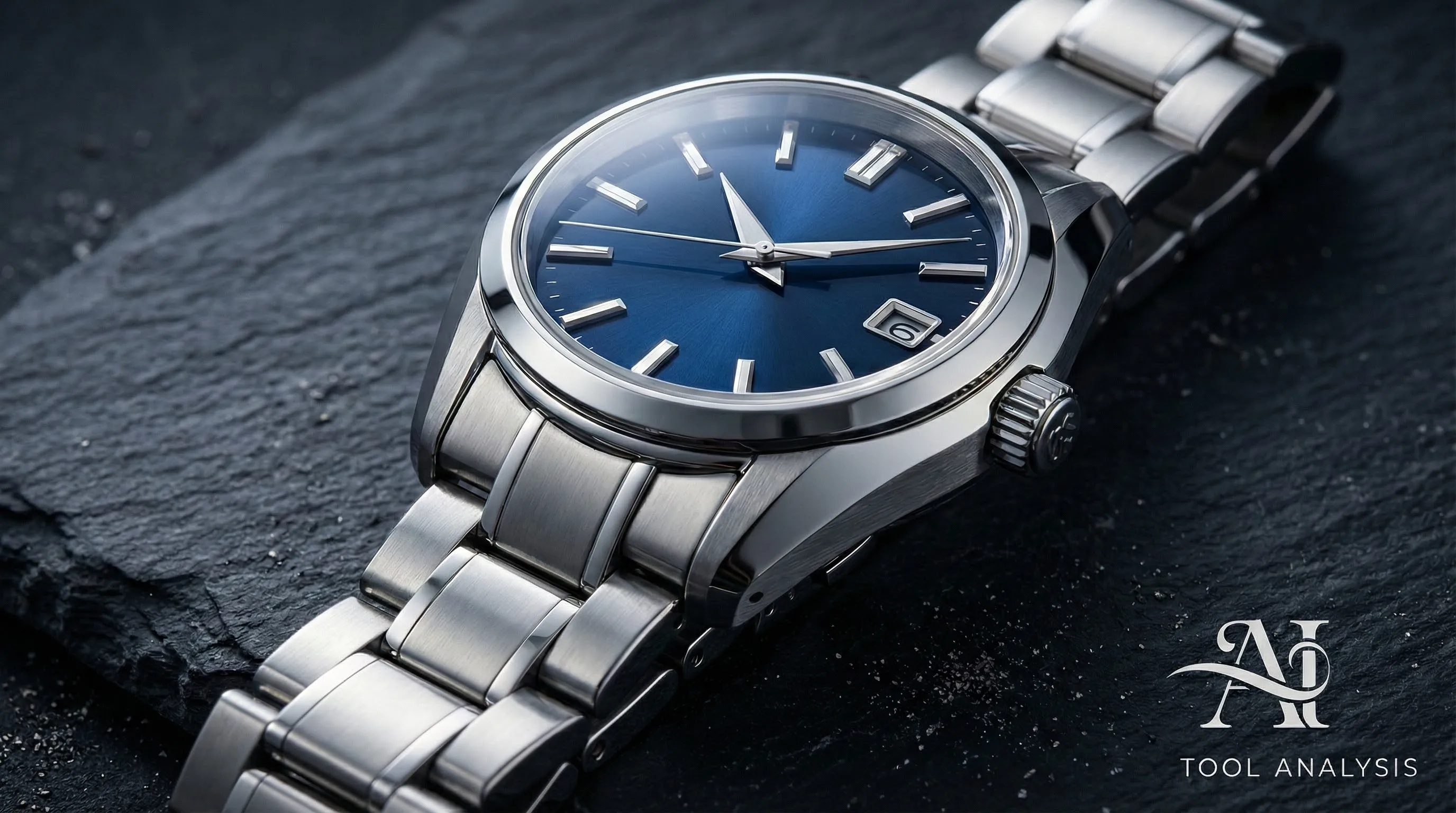
Google’s Imagen 4, accessible primarily through the Gemini platform, is the speed and realism champion of 2025.
Key Strengths
- Photorealistic Output: Imagen 4 consistently produces sharp, realistic images with accurate lighting and textures. It excels at product photography and realistic portraits.
- Speed: It is incredibly fast, often generating images in half the time of competitors. This makes it ideal for high-volume workflows.
- Ecosystem Integration: If you live in Google Workspace, Imagen 4 is incredibly accessible. You can generate images directly in Docs, Slides, and the Gemini app.
Why Choose Imagen 4?
If you need rapid, realistic imagery and are already using Google’s tools, Imagen 4 is a fantastic option. It’s perfect for marketers, content creators, and anyone needing high-quality visuals quickly.
Limitations
It doesn’t offer the same level of artistic control or stylistic variety as Midjourney V7, and its text accuracy, while good, isn’t quite at the level of GPT-Image-1.
Pricing: Included in Gemini AI Pro ($19.99/month) and higher tiers. Free access available with limits.
⚙️ 4. Stable Diffusion 3/XL: The Control Freak’s Choice
Stable Diffusion (including SD3 and the refined SDXL models) remains the leading open-source option. It’s not a single tool, but an ecosystem of models and interfaces (like Automatic1111 or ComfyUI).

Key Strengths
- Total Control: This is the main draw. Tools like ControlNet and IP-Adapter allow for precise control over composition, pose, style, and editing. You can lock down a character’s face, dictate the exact layout of a scene, or blend multiple styles seamlessly.
- Privacy and Local Execution: You can run Stable Diffusion locally on your own hardware (assuming you have a powerful GPU). This means complete data privacy and no censorship.
- Customization: You can train custom models (LoRAs) on your own data, allowing you to generate consistent characters, products, or styles.
Why Choose Stable Diffusion?
It’s the best option for users who need absolute control, privacy, or the ability to build custom image pipelines. It’s widely used by professional artists, game developers, and enterprises needing air-gapped solutions.
Limitations
The learning curve is steep. Setting up and optimizing Stable Diffusion requires technical knowledge. Achieving the same out-of-the-box quality as Midjourney V7 often requires significant tweaking and the right custom models.
🔍 REALITY CHECK: The “Free” Cost of Stable Diffusion
Marketing Claims: “Stable Diffusion is free and open-source.”
Actual Experience: While the software is free, the hardware required to run it effectively is not. To run the latest models (like SD3) at reasonable speeds, you need a high-end consumer GPU (like an RTX 4080 or 4090), which is a significant investment.
Verdict: Stable Diffusion is free like a “free puppy”—it requires ongoing investment in time (learning the tools) and money (hardware or cloud compute costs).
Pricing: The models are free and open-source. Cloud platforms offering access typically start around $10-$15/month.
🔠 5. Ideogram 3.0: The Typography Specialist
Ideogram burst onto the scene by focusing on one thing: flawless text rendering. Ideogram 3.0 (released March 2025) continues this focus, making it the go-to tool for designs that depend on crisp lettering.
Key Strengths
- High-Accuracy Typography: Ideogram 3.0 rivals GPT-Image-1 for the best text-in-image output on the market. It understands context, placement, and style exceptionally well.
- Style Reference Support: New in 3.0, this allows users to upload a reference image to guide the aesthetic of the output, crucial for brand consistency.
- Poster-Style Layouts: It offers presets and styles optimized for posters, social media graphics, and advertisements.
Why Choose Ideogram 3.0?
If your work involves creating logos, posters, invitations, or any graphic where text is central, Ideogram 3.0 is indispensable. It saves hours of editing in Photoshop.
Limitations
It lacks the conversational editing features of GPT-4o and the deep workflow integration of Adobe Firefly. While its realism is good, it’s generally outperformed by Imagen 4 and Midjourney V7 for non-text-related imagery.
Pricing: Free tier available (weekly limits). Paid plans start at $7/month (Basic) up to $48/month (Pro).
💼 6. Adobe Firefly: The Enterprise Solution
Adobe Firefly is designed from the ground up for professional workflows and enterprise safety. It may not always match the aesthetic peaks of Midjourney, but its integration and legal safeguards are unmatched.
Key Strengths
- Commercially Safe: Firefly is trained only on licensed Adobe Stock and public domain content. Adobe offers IP indemnity (legal protection against copyright claims) for enterprise customers. This is non-negotiable for many businesses.
- Creative Cloud Integration: Features like Generative Fill and Expand in Photoshop, and Text to Vector in Illustrator, are revolutionary for existing design workflows.
- C2PA Credentials: Firefly automatically adds metadata to images indicating they are AI-generated, crucial for transparency.
Why Choose Adobe Firefly?
If you already live in Creative Cloud, Firefly’s integration makes it the obvious choice for image editing and generation tasks. It is also the only choice for businesses where legal safety is the top priority.
Limitations
The output quality, while very good, often feels more like high-end stock photography than the unique art generated by Midjourney. The credit-based system can also be restrictive and expensive for high-volume users.
Pricing: Free trial/limited credits. Paid plans start at $9.99/month, or included in Creative Cloud subscriptions.
📊 Head-to-Head Comparison: Which Tool Wins?
Choosing the “best” tool depends entirely on your priorities. Here’s how the top contenders stack up across key metrics.
| Feature | Midjourney V7 | GPT-Image-1 (4o) | Google Imagen 4 | Stable Diffusion | Ideogram 3.0 | Adobe Firefly |
|---|---|---|---|---|---|---|
| Photorealism | ⭐⭐⭐⭐⭐ (Stylized) | ⭐⭐⭐⭐ | ⭐⭐⭐⭐⭐ (Neutral) | ⭐⭐⭐⭐ (Variable) | ⭐⭐⭐⭐ | ⭐⭐⭐⭐ |
| Text Accuracy | ⭐⭐ | ⭐⭐⭐⭐⭐ | ⭐⭐⭐ | ⭐⭐⭐ | ⭐⭐⭐⭐⭐ | ⭐⭐⭐ |
| Ease of Use | ⭐⭐⭐ (Discord barrier) | ⭐⭐⭐⭐⭐ (Conversational) | ⭐⭐⭐⭐ (Integrated) | ⭐ (Steep curve) | ⭐⭐⭐⭐ | ⭐⭐⭐⭐ (Integrated) |
| Speed | ⭐⭐⭐ (Draft mode helps) | ⭐⭐⭐ | ⭐⭐⭐⭐⭐ (Fastest) | ⭐⭐ (Hardware dependent) | ⭐⭐⭐ | ⭐⭐⭐ |
| Creative Control | ⭐⭐⭐ (Stylistic) | ⭐⭐⭐ (Conversational) | ⭐⭐ | ⭐⭐⭐⭐⭐ (Best via ControlNet) | ⭐⭐⭐ | ⭐⭐⭐⭐ (In-app editing) |
| Commercial Safety | ⚠️ Risky | ✅ Moderate Safety | ✅ Moderate Safety | ⚠️ Risky (Model dependent) | ⚠️ Risky | ✅✅ Best in class |
💡 Swipe left to see all features →
💰 Pricing Breakdown: What You’ll Actually Pay
The pricing models for AI image generation tools are varied and often confusing. They generally fall into three categories:
1. Monthly Subscriptions (Unlimited or High Limits)
This is the most common model.
- Midjourney: Starts at $10/month for limited fast generations, but most users need the $30/month Standard plan for unlimited relaxed (slower) generations and sufficient fast hours.
- OpenAI (ChatGPT Plus): $20/month gives access to GPT-4o, including GPT-Image-1, with high (but sometimes variable) usage caps.
- Google (Gemini Pro): $19.99/month provides access to Imagen 4 within the Gemini ecosystem.
2. Credit Systems
Platforms like Adobe Firefly and Ideogram use credit systems or priority queues.
- Adobe Firefly: Uses “Generative Credits.” If you burn through your monthly allotment (e.g., 100 credits on the basic paid plan), generation slows down significantly.
- Ideogram: Offers a generous free tier, with paid plans starting at $7/month providing faster “priority generations” and higher limits.
3. Pay-Per-Use (API/Hardware)
If you’re building applications or running models locally.
- API Access (OpenAI/Google): Costs are typically around $0.035 per standard image.
- Stable Diffusion (Local): Free software, but requires investment in powerful hardware (high-end GPU).

🔍 REALITY CHECK: The Cost of Iteration
Marketing Claims: “$10/month for 200 generations.”
Actual Experience: You rarely get the perfect image on the first try. You generate variations, upscale the best ones, and perhaps use editing features. In Midjourney, a single finalized image might take 5-10 generations (burning through your “fast hours” quickly).
Verdict: The cost-per-final-image is significantly higher than the cost-per-generation. Budget for experimentation and refinement.
🤔 How to Choose Your AI Image Generator
Stop looking for the “best” tool and start looking for the right tool for your specific needs. Here’s a breakdown by use case:
For Marketers and Social Media Managers
You need speed, ease of use, and flawless text for ads and graphics.
- Top Choice: Ideogram 3.0 (for typography-heavy designs)
- Runner-up: GPT-Image-1 (for quick generation and easy editing)
For Artists and Illustrators
You prioritize aesthetics, style, and creative control.
- Top Choice: Midjourney V7 (for signature style and personalization)
- Runner-up: Stable Diffusion (for precise control and custom styles via LoRAs)
For Product Designers and E-commerce
You need photorealism, integration, and rapid generation of product shots.
- Top Choice: Adobe Firefly (for integration with Photoshop and commercial safety)
- Runner-up: Google Imagen 4 (for speed and raw realism)
For Beginners and Hobbyists
You want an easy-to-use tool that delivers good results without a steep learning curve.
- Top Choice: GPT-Image-1 (via ChatGPT) (for conversational ease of use)
- Runner-up: Google Imagen 4 (via Gemini) (for free, accessible generation)
For Developers and Enterprises (Privacy Focused)
You need full control, privacy, and the ability to build custom pipelines.
- Top Choice: Stable Diffusion 3 (for local execution and open-source flexibility)
❓ FAQs: Your Questions Answered
Is there a truly free AI image generator in 2025?
Yes, but with limitations. Stable Diffusion is free if you run it locally, but requires powerful hardware. Google Imagen 4 (via Gemini) and GPT-4o offer free access with daily or weekly limits. Ideogram 3.0 also has a useful free tier. Midjourney V7 does not offer a free tier.
Which AI image generator is best for photorealism?
Google Imagen 4 is currently the leader for neutral, accurate photorealism and speed. Midjourney V7 is excellent for stylized, cinematic photorealism.
Which AI image generator is best for text and logos?
It’s a tie between OpenAI’s GPT-Image-1 (via GPT-4o) and Ideogram 3.0. Both offer exceptional accuracy, spelling, and contextual understanding of text within images.
Can these tools generate video as well?
Many platforms are adding basic image-to-video animation features. However, dedicated AI video tools like Kling AI or Runway Gen 4 still offer superior quality and control for complex video generation.
Are AI-generated images safe for commercial use?
It depends on the tool. Adobe Firefly offers the strongest protection with IP indemnity for enterprise users, as it’s trained on licensed data. OpenAI and Google offer some protections. Using open-source models (Stable Diffusion) carries more risk regarding the underlying training data and copyright status.
What is the learning curve for these tools?
GPT-Image-1 and Imagen 4 are very beginner-friendly, using natural language. Midjourney V7 and Ideogram 3.0 have a moderate learning curve to master prompting. Stable Diffusion has a very steep learning curve and requires technical knowledge.
Can I edit the images after they are generated?
Yes, editing capabilities (inpainting/outpainting) are becoming standard. Adobe Firefly (via Photoshop) offers the most seamless editing experience. GPT-Image-1 allows conversational editing. Stable Diffusion offers powerful but complex editing tools. You can also use dedicated AI image editing tools for post-processing.
Can I copyright images generated by AI?
As of November 2025, the US Copyright Office maintains that images generated solely by AI prompts cannot be copyrighted because they lack sufficient human authorship. However, if you significantly edit or incorporate the AI output into a larger creative work, you can copyright your human contributions.
🏆 Final Verdict
The AI image generation landscape in 2025 is incredibly robust. The advancements in photorealism, text accuracy, and ease of use mean these tools are no longer just experimental toys—they are essential components of modern creative workflows.
There is no single “best” tool, but there are clear leaders for different needs:
- Best Overall (Ease of Use + Text): GPT-Image-1 (via GPT-4o)
- Best Aesthetics and Style: Midjourney V7
- Best Photorealism and Speed: Google Imagen 4
- Best Control and Privacy (Open Source): Stable Diffusion 3/XL
- Best for Typography: Ideogram 3.0
- Best for Enterprise Safety: Adobe Firefly
The competition is fierce, and we expect these models to continue evolving rapidly. The key to success in 2025 is choosing the right tool for the job and mastering the art of prompt engineering to bring your vision to life.
Stay Updated on AI Creative Tools
Don’t miss the next major AI launch. Stay ahead with weekly reviews of AI image generators, video editors, and creative platforms. Get honest insights, price drop alerts, and breaking feature launches delivered to your inbox.
- ✅ Honest, hype-free reviews
- ✅ Real-world test results
- ✅ Pricing breakdowns and alerts
- ✅ Comparison guides for top tools
- ✅ Breaking news on AI updates
Related Reading
- Nano Banana Pro Review: Google’s Specialized Image Model Tested
- The Best AI Image Editing Tools in 2025
- Kling AI Review: Is It the Best AI Video Generator?
- Runway Gen 4 Review: AI Video Generation Matures
- Gemini 3 Review: Google’s Multimodal AI Platform
- ChatGPT Review 2025: The Evolution of Conversational AI
- The Ultimate Guide to AI Tools in 2025
Last Updated: November 29, 2025
Models Tested: Midjourney V7, GPT-Image-1, Imagen 4, Ideogram 3.0, Stable Diffusion 3/XL, Adobe Firefly
Next Review Update: January 2026 (AI image models update frequently)