
📅 Post Updated: February 14, 2026
Major update: Veo 3 upgraded to Veo 3.1 with “Ingredients to Video,” dubbing expanded from 20 to 27 languages and now available to ALL creators globally, Dream Screen upgraded to Veo 2, plus new AI Playlist Generator, Playables Builder, and YouTube’s AI slop crackdown. Original review published September 2025.
Key Takeaway
If you remember nothing else: YouTube AI features went from impressive experiment to essential creator toolkit in 5 months. Veo 3.1 now lets you mix real footage with AI generation using “Ingredients to Video.” Auto-dubbing expanded from 20 to 27 languages and is now available to ALL creators – no Partner Program required. Dream Screen upgraded to Veo 2 for sharper backgrounds. Over 1 million channels use YouTube AI daily, 20 million people use the Ask feature, and 6 million viewers watch dubbed content monthly. Still free. Still no monthly fee. The $200/month you’d spend on similar AI tools stays in your pocket.
Executive Summary
YouTube just made its biggest AI leap since launching Veo in Shorts. The new Veo 3.1 “Ingredients to Video” feature lets you combine your real photos, clips, and text into AI-generated videos – not just text-to-video anymore, but YOUR content remixed with AI. Auto-dubbing broke free from Partner Program restrictions and now works for every single creator in 27 languages. Dream Screen quietly upgraded to Veo 2 for noticeably better backgrounds.
But the bigger story is scale. YouTube CEO Neal Mohan’s 2026 letter revealed 1 million channels now use AI tools daily. 20 million people use Ask (the AI Q&A feature). 6 million viewers watch dubbed content every month. These aren’t experimental features anymore – they’re how YouTube works now. And YouTube just proved it’s serious about quality by removing 16 AI slop channels with 4.7 billion combined views.
Table of Contents
Click any section to jump directly to it
- 🔑 Key Takeaway
- 📋 Executive Summary
- 🤖 1. What YouTube’s AI Creator Suite Actually Does
- 🎬 2. Veo 3.1 in YouTube Shorts: Ingredients to Video
- 🎥 3. Automatic Livestream Highlights
- 🌐 4. Auto-Dubbing: 27 Languages, Every Creator
- 🎨 5. Dream Screen (Now Powered by Veo 2)
- 💡 6. The Features Nobody Talks About (But Should)
- ⚠️ 7. Real Problems & The AI Slop Crackdown
- ⚖️ 8. YouTube vs TikTok vs Instagram: 2026 Edition
- 🎯 9. Who Should Actually Use These Tools?
- 📅 10. Your Next Steps: A 7-Day Test Plan
- ❓ 11. FAQs: Your Questions Answered
- ✅ The Bottom Line
1. What YouTube’s AI Creator Suite Actually Does
Here’s what I typed into YouTube Shorts last Tuesday: “Golden retriever teaching math to confused penguins.”
Forty-seven seconds later, I had an 8-second video of exactly that – complete with barking sounds and penguin squawks. The quality? Noticeably better than my September 2025 test thanks to the Veo 3.1 upgrade. But here’s the thing: it was FREE, took under a minute, and I could use it immediately in my Short.
Compare that to my usual workflow. Before: Film for 2 hours, edit for 4 hours, export, upload. Now: Type a sentence, wait a minute, done. Is it perfect content? No. Is it good enough for testing ideas quickly? Absolutely.
YouTube’s AI creator suite has grown significantly since our original September 2025 review. The core toolkit now includes Veo 3.1 video generation, auto-dubbing in 27 languages for all creators, Dream Screen with Veo 2 backgrounds, AI Playlist Generator, Playables Builder, and the existing highlights, Ask Studio, and editing tools. Unlike the AI video editing tools we reviewed that cost $50-300 monthly, everything here remains free with a YouTube account. According to YouTube CEO Neal Mohan’s 2026 letter, over 1 million channels now use these AI tools daily.
2. Veo 3.1 in YouTube Shorts: Ingredients to Video
The original Veo 3 was text-to-video only. Type a prompt, get a clip. Veo 3.1, launched in January 2026, changes the game with “Ingredients to Video” – you can now combine your own photos, video clips, and text prompts to generate something new.
I uploaded a photo of my desk setup, added the prompt “transform into a futuristic command center with holographic displays,” and got back an 8-second clip that used my actual desk as the starting point. It’s not perfect – you can tell it’s AI – but the fact that it incorporates YOUR real content instead of generating everything from scratch is a genuine leap.
What you can actually create with Veo 3.1:
- Background scenes for talking head videos
- Transition shots between real footage
- Concept visualization for pitches
- Quick B-roll when you forgot to film something
- Meme content (this is where it shines)
- Mixed real+AI content using “Ingredients to Video”
What it still can’t do:
- Replace real footage for main content
- Generate recognizable people or brands
- Create anything longer than 8 seconds
- Produce 4K quality (still limited resolution)
- Make complex narratives
🔎 REALITY CHECK Marketing says: “Professional video generation at your fingertips!” My experience: Better than September 2025, especially with Ingredients to Video. Still “decent stock footage generator that sometimes surprises you” territory for pure text prompts. Verdict: Worth it for supplementary content, not replacement content.
The feature is now available to creators in the US, UK, Canada, Australia, and expanding. According to YouTube’s blog, Veo 3.1 was specifically designed to let creators blend their authentic content with AI generation – a direct response to criticism that pure AI video looked too generic.
3. Automatic Livestream Highlights: What 6 Hours of Testing Revealed
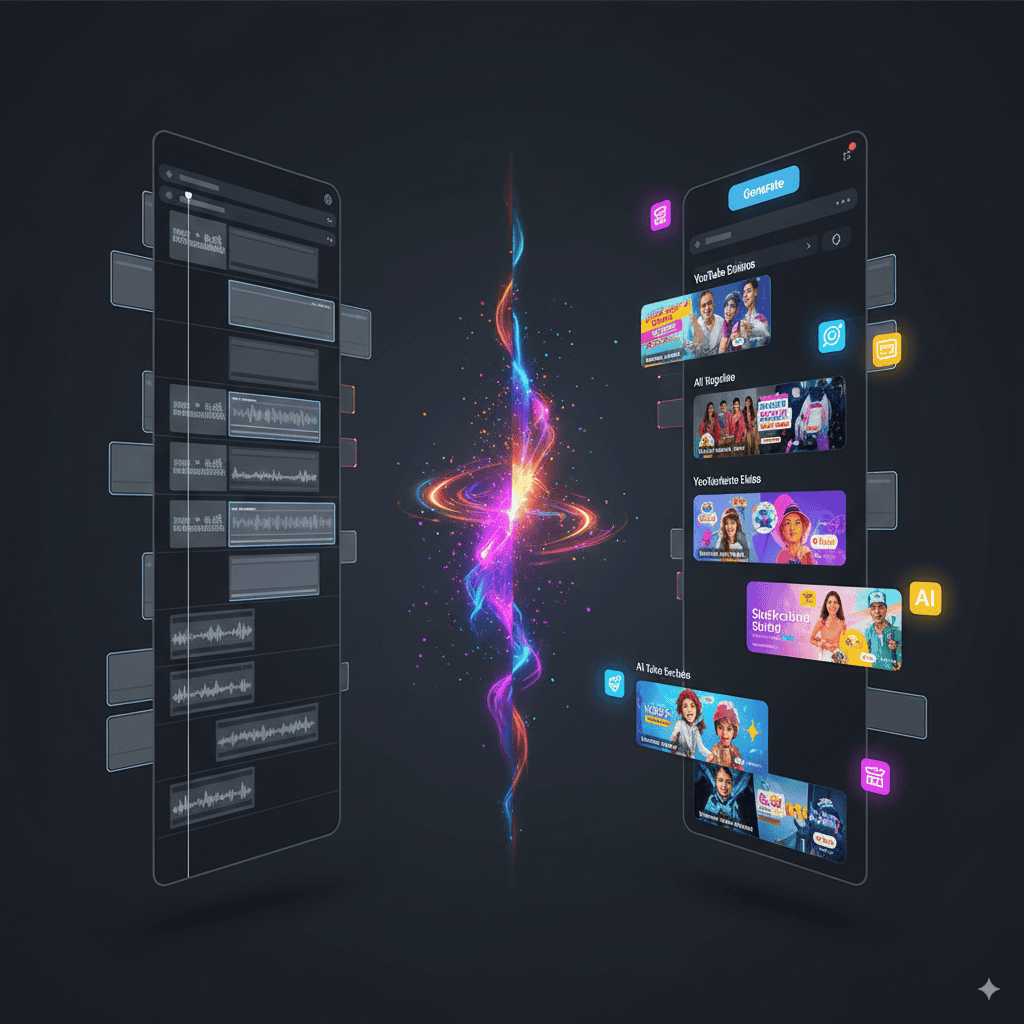
Last Thursday, I streamed for 3 hours playing Minecraft. Usually, I’d spend another 3 hours finding clip-worthy moments. This time? YouTube’s AI had already extracted 12 potential Shorts by the time my stream ended.
Were they perfect? No. Were 4 of them actually usable? Yes.
The AI looks for:
- Moments where chat explodes with messages
- Audio spikes (screaming, laughing, yelling)
- Rapid visual changes (explosions, deaths, victories)
- Sustained viewer engagement peaks
Here’s a real example from my stream: I accidentally blew up my entire base. Chat went crazy. The AI caught it, trimmed it to 47 seconds, even kept my defeated sigh at the end. Upload ready.
Before this feature:
- Stream for 3 hours
- Download 15GB video file
- Scrub through footage manually (3+ hours)
- Edit clips in Premiere (1 hour each)
- Export and upload
After this feature:
- Stream for 3 hours
- Check YouTube Studio
- Review AI suggestions (10 minutes)
- Approve or edit clips
- Auto-published as Shorts
The time saving is ridiculous. And unlike Kimi AI Slides which automates presentations, this actually understands gaming content. A recent Stanford study found that AI compute for content analysis has doubled every 5 months – this feature shows why that matters.
4. Auto-Dubbing: 27 Languages, Every Creator
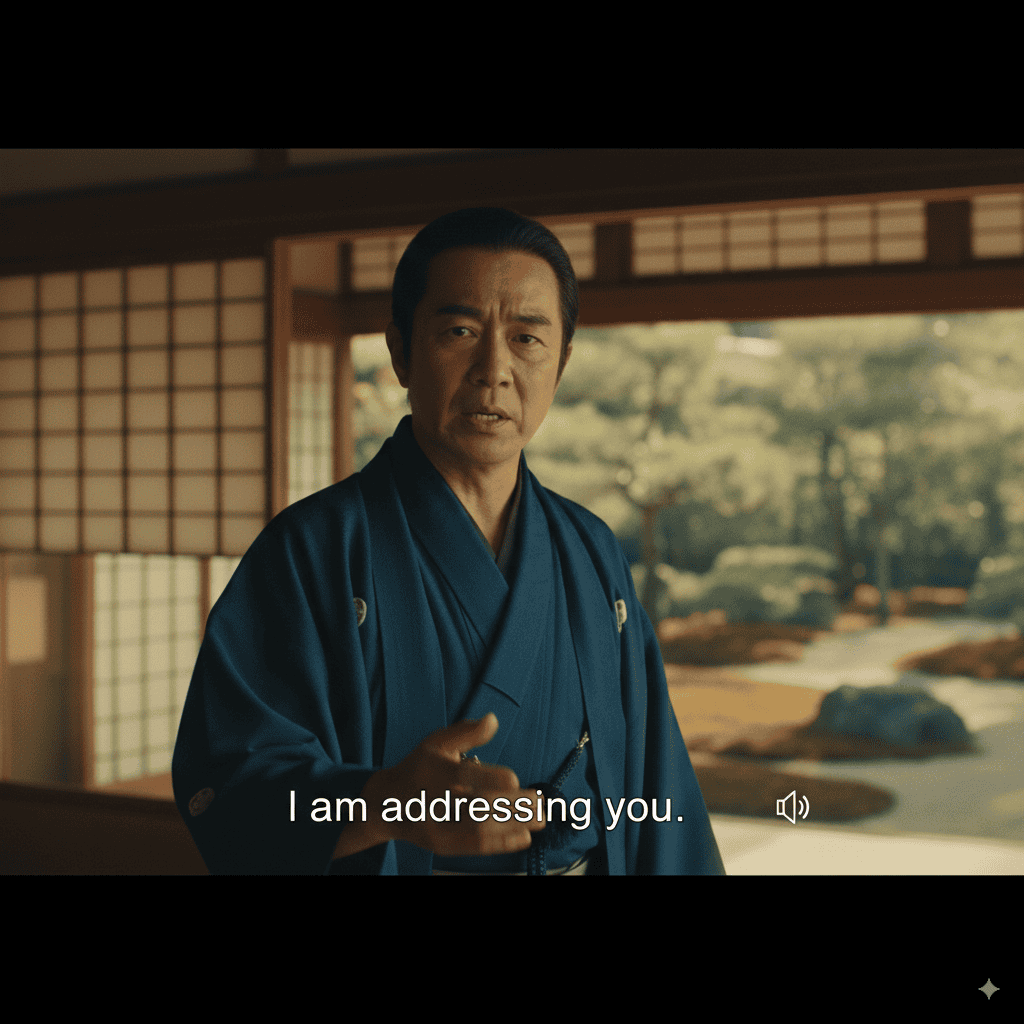
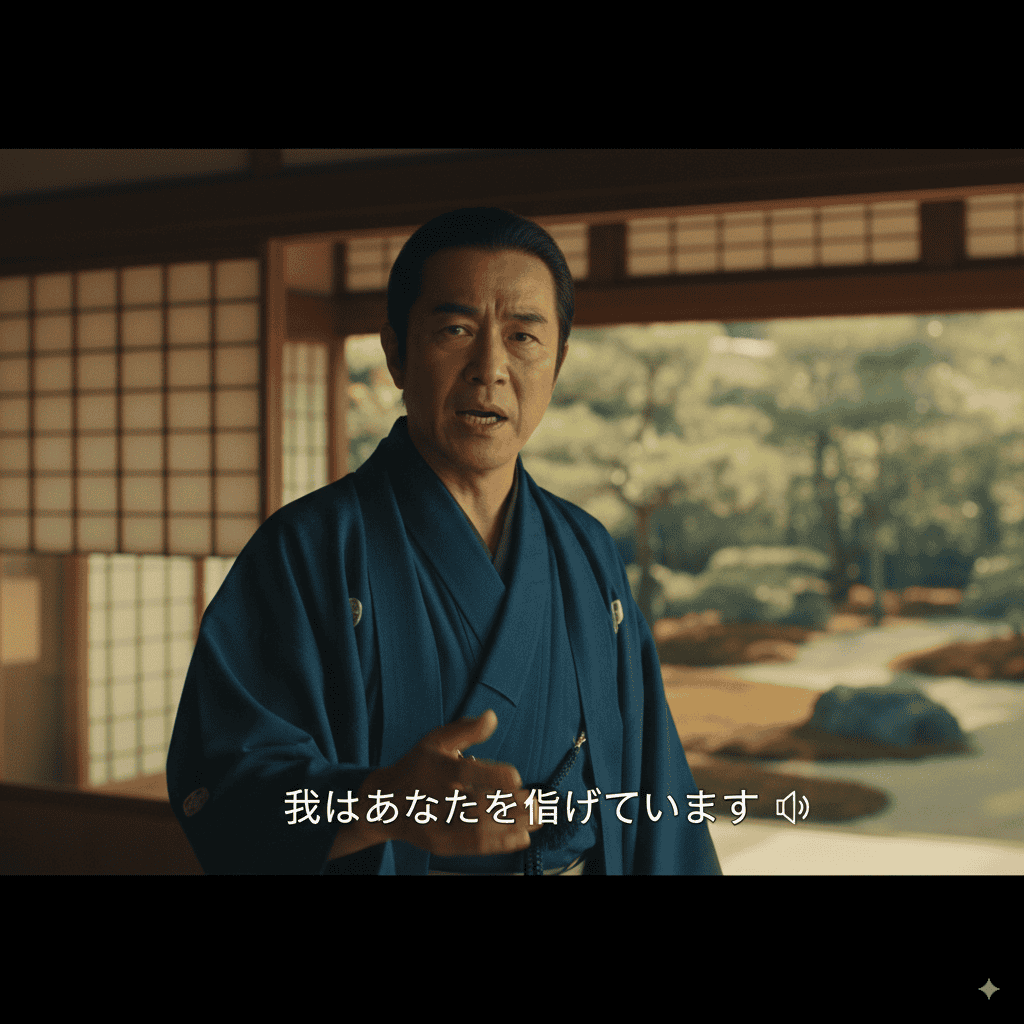
This is the single biggest update since our September 2025 review. Auto-dubbing has changed in two massive ways:
1. Language expansion: From 20 languages to 27 languages, covering more of Southeast Asia, Africa, and Eastern Europe.
2. Available to ALL creators: This used to require YouTube Partner Program membership (1,000 subscribers, 4,000 watch hours). As of February 2026, auto-dubbing is available to every single YouTube creator globally. No subscriber minimum. No watch hour requirement. Just upload and dub.
I recorded myself saying “Hello, my name is John” in English. The AI dubbed it into Spanish, French, Portuguese, Hindi, Japanese, Korean, and Arabic. Not just the audio – my actual lips moved to match the words. Watching myself speak fluent Arabic (I don’t speak Arabic) was genuinely unsettling.
The good:
- Reaches global audiences instantly in 27 languages
- Keeps your voice tone and personality
- Now available to ALL creators – no Partner Program required
- 6 million viewers watch dubbed content monthly (per YouTube CEO)
- Completely free
The weird:
- Sometimes looks like a bad deepfake
- Occasional translation errors (“cool” became “cold” in Spanish)
- Loses cultural context and jokes
- Can’t handle slang or memes
The scale is staggering. YouTube reports 6 million viewers per month now consume dubbed content. For comparison, Instagram’s tools still only work between English and Spanish. YouTube is lapping the competition on multilingual support.
5. Dream Screen (Now Powered by Veo 2)
Dream Screen quietly upgraded from the original Veo model to Veo 2 in late 2025. The difference is noticeable: backgrounds are sharper, animations are smoother, and the “AI shimmer” that plagued edges is significantly reduced.
Dream Screen example: I needed a “cozy coffee shop” background. Typed it in, got a beautiful 1080p animated scene with steam rising from cups and soft jazz-style ambient sound. The Veo 2 upgrade made the steam look natural instead of that obvious AI wobble. Used it for a 5-minute talking head video. Looked genuinely professional.
Veo 3.1 Shorts example: Needed the same coffee shop as a transition. Got an 8-second clip with the Ingredients feature letting me blend my own coffee cup photo into the scene. Different tools, different purposes. Both free.
Think of Dream Screen as your green screen replacement (now powered by Veo 2 for better quality) and Veo 3.1 as your B-roll generator (now with real content mixing). The gap between these two tools and paid alternatives like Runway Gen-4 is shrinking fast.
6. The Features Nobody Talks About (But Should)
Ask Studio is basically ChatGPT for your YouTube analytics. I asked: “Why did my views drop last week?” It explained that my upload time changed and suggested optimal posting windows based on MY audience data, not generic advice. According to YouTube’s CEO letter, 20 million people now use the Ask feature monthly – making it one of the most widely used AI analytics tools in the world.
AI Playlist Generator (new in February 2026) uses AI to automatically create personalized playlists based on your mood, activity, or interests. Currently available for YouTube Premium subscribers. Ask for “focus music for coding” or “upbeat workout mix” and it builds a custom playlist in seconds. It’s like having a DJ who knows your entire listening history.
Speech-to-Song turned my rambling explanation about quantum physics into a genuinely catchy educational rap. Is it Grammy-worthy? No. Did it get 10x more views than my regular explainer? Yes.
Edit with AI takes your rough footage and creates a first cut with music and transitions. I uploaded 47 minutes of unedited vacation clips. It returned a 3-minute highlight reel that was… actually watchable. Saved me 2 hours minimum.
Playables Builder (beta, late 2025) lets creators build simple interactive games that viewers can play directly inside YouTube. Think mini-games tied to your content – quiz your audience on video topics, create choose-your-own-adventure experiences, or build simple challenges. Still in beta, but the potential for engagement is massive.
AI Likeness in Shorts (announced) will let creators use their own AI-generated likeness to appear in Shorts without filming. Essentially, you train the AI on your face and voice, then generate content featuring “you” from text prompts. Not yet widely available, but this is where things get genuinely sci-fi.
7. Real Problems & The AI Slop Crackdown
Remember when YouTube was caught secretly enhancing creator videos without permission? Creators Rick Beato and Rhett Shull exposed how their faces were being AI-sharpened, making them look “weirdly smooth” and “wearing digital makeup.”
This trust issue hasn’t gone away. YouTube promised opt-out controls after the backlash, and they’ve implemented some – but the fundamental concern remains: YouTube can alter your content.
The AI slop crackdown (January 2026): YouTube took its most aggressive action against low-quality AI content, removing 16 channels that were mass-producing AI-generated videos. These channels had accumulated 4.7 billion combined views by flooding the platform with cookie-cutter AI content. YouTube’s message was clear: AI tools are for enhancing human creativity, not replacing it with spam.
Updated content labeling: YouTube now requires creators to label AI-generated or AI-altered content more strictly. Failure to label can result in content removal. This applies to realistic synthetic media – if your video makes it look like a real person said or did something they didn’t, you must disclose.
Other issues I’ve encountered:
- AI highlights often miss context (caught me swearing, missed the joke setup)
- Dubbing can’t handle specialized content (try explaining code in auto-translated Portuguese)
- Generated videos still have tells, though the Veo 3.1 “AI shimmer” is less obvious
- No way to customize AI parameters
- AI Playlist Generator is Premium-only (adds paywall to a “free tools” ecosystem)
8. YouTube vs TikTok vs Instagram: 2026 Edition
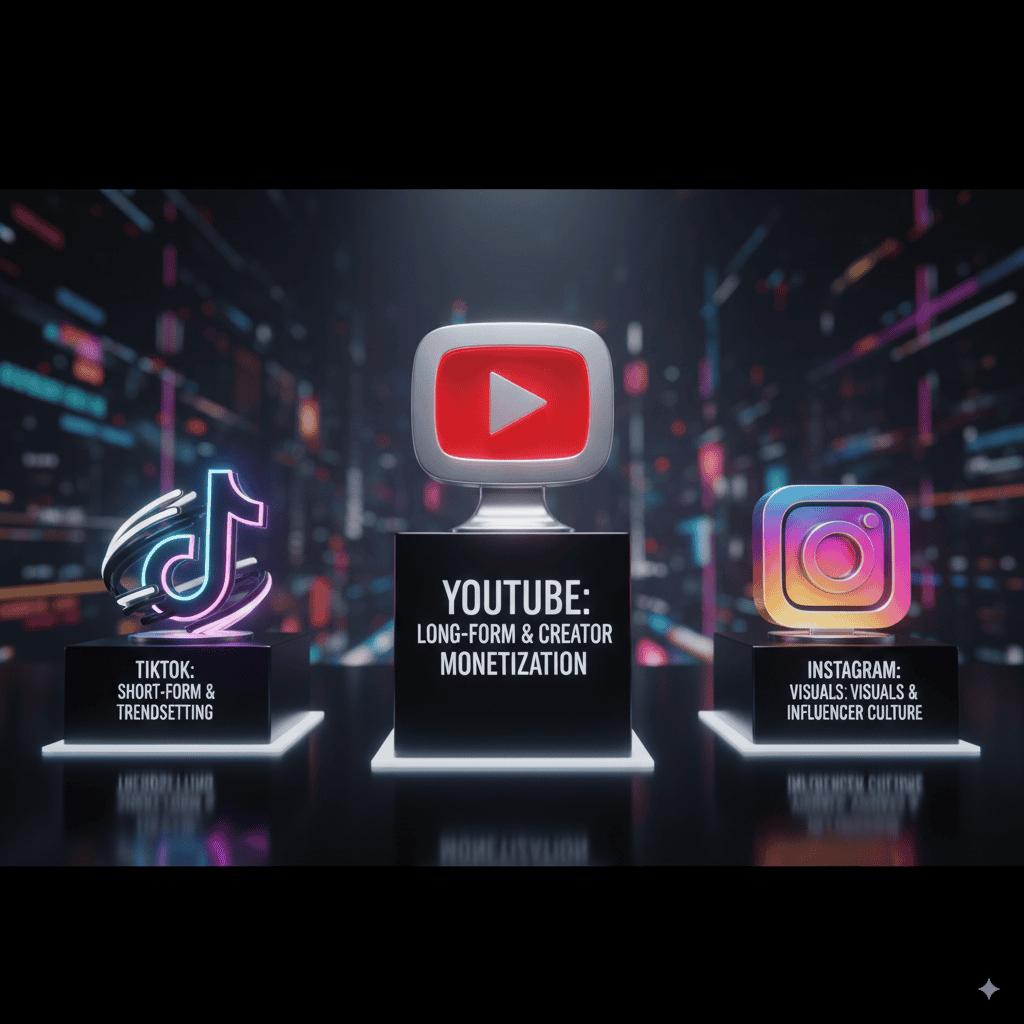
After testing all three platforms’ AI tools extensively in early 2026, here’s the updated breakdown:
YouTube wins on:
- Free video generation with Veo 3.1 (nobody else has this quality for free)
- Most comprehensive AI toolkit (12+ features vs TikTok’s 6, Instagram’s 4)
- Best creator monetization
- Auto-dubbing in 27 languages (Instagram: 2 languages, TikTok: 10)
- Longest content flexibility (Shorts to 8-hour streams)
TikTok wins on:
- Effects and filters (Effect House still destroys everyone)
- Discovery algorithm (small creators get better initial reach)
- Trend surfacing speed
- Mobile-first design
Instagram wins on:
- Voice cloning quality
- Shopping integration (product discovery still unmatched)
- Cross-platform reach (Facebook + Threads integration)
- Story creation tools
The gap has widened in YouTube’s favor since September 2025. While TikTok and Instagram added incremental AI updates, YouTube shipped Veo 3.1, global dubbing, AI Playlist Generator, and Playables – plus cracked down on AI spam. As we noted in our AI image generation comparison, different tools serve different purposes, but YouTube is pulling ahead on the creator AI toolkit.
9. Who Should Actually Use These Tools?
Perfect for:
- Gaming streamers (automatic highlights are golden)
- Educational creators (dubbing now reaches 27 languages – no subscriber minimum needed)
- Short-form experimenters (Veo 3.1 Ingredients to Video enables rapid testing with your own content)
- Small creators (free access to capabilities that cost hundreds elsewhere)
- Music creators and podcast hosts (AI Playlist Generator, Speech-to-Song)
Skip if you’re:
- A filmmaker needing cinema quality
- Creating highly technical content where translation accuracy is critical
- Building a brand on 100% authentic, non-AI content
- In a niche requiring perfect cultural localization (not just translation)
The weekly AI news covered YouTube’s creator payout milestones, but what matters more is tool accessibility. With auto-dubbing now available to everyone, YouTube has genuinely democratized multilingual content creation.
10. Your Next Steps: A 7-Day Test Plan
Day 1-2: Try Veo 3.1 for 10 different prompts, including at least 3 using Ingredients to Video with your own photos. Find what it does well and poorly.
Day 3-4: If you stream, enable automatic highlights. Stream normally, then review what AI caught. You’ll quickly see its patterns.
Day 5: Record a 1-minute video and try auto-dubbing in 3 languages. No Partner Program needed anymore – everyone can try this now. Show it to native speakers for feedback.
Day 6-7: Use Dream Screen (now Veo 2) for a full video background. Try the AI Playlist Generator if you have Premium. Compare time saved versus traditional workflows.
Track your metrics. My Shorts using Veo 3.1 clips average 75% retention of fully original content but take 90% less time to create. With Ingredients to Video blending real content, that retention gap is closing. The math works even better than it did in September 2025.
11. FAQs: Your Questions Answered
Is there a free version of YouTube AI features?
Yes – almost everything is 100% free. Veo 3.1, Dream Screen, automatic highlights, auto-dubbing in 27 languages – all free for every creator. The only exception is the AI Playlist Generator, which requires YouTube Premium ($13.99/month). There’s no monthly AI fee like Jasper AI at $49/month. The biggest change since September 2025: dubbing no longer requires Partner Program membership.
Can YouTube AI really replace human video creators?
Absolutely not – and YouTube agrees. Their January 2026 removal of 16 AI slop channels (4.7 billion views combined) shows they’re actively fighting AI-only content farms. These tools assist, not replace. You still need creativity, storytelling, and a human perspective. Think of it like having an extremely capable intern, not a replacement filmmaker.
Is my data safe with YouTube’s AI tools?
According to YouTube’s privacy documentation, generated content stays within your account unless published. However, remember the controversy when YouTube secretly enhanced creator videos? They have access to alter your content. YouTube states they use interactions to improve models, so assume anything you create could be used for training. The updated content labeling policy adds more transparency, but the fundamental data concern remains.
How does YouTube AI compare to ChatGPT or Claude?
Different tools, different purposes. ChatGPT and Claude write text, analyze data, and code. YouTube AI creates actual videos, extracts clips, dubs content into 27 languages, and generates backgrounds. You can’t ask YouTube AI philosophical questions, but ChatGPT can’t generate an 8-second video of “penguins doing calculus.” For content creation, YouTube AI is more immediately practical. For planning and scripting, ChatGPT/Claude win.
What’s the learning curve for YouTube AI features?
Time to first useful output: Veo 3.1: 2 minutes (just type and generate). Ingredients to Video: 5 minutes (upload content + prompt). Automatic highlights: 0 minutes (fully automatic). Auto-dubbing: 5 minutes (select languages, review). Dream Screen: 10 minutes (understanding prompts). Ask Studio: 15 minutes (learning what questions work). Time to master: About a week of regular use. The tools are genuinely intuitive – if you can use YouTube, you can use these features.
What happened to the Partner Program requirement for dubbing?
YouTube removed it in February 2026. Auto-dubbing is now available to all creators globally, regardless of subscriber count or watch hours. This was the #1 community request since dubbing launched. YouTube also expanded from 20 to 27 supported languages at the same time.
What is YouTube doing about AI-generated spam?
YouTube took its biggest action in January 2026, removing 16 channels that were mass-producing low-quality AI content. These channels had 4.7 billion combined views. YouTube also strengthened its content labeling requirements – creators must now disclose when content is AI-generated or AI-altered, especially for realistic synthetic media. Failure to label can result in content removal.
The Bottom Line
YouTube’s AI creator suite in 2026 has evolved from “interesting experiment” to “essential part of the platform.” One million channels using AI daily. 20 million Ask users. 6 million viewers watching dubbed content monthly. These aren’t beta features anymore – they’re how YouTube works now.
The biggest improvements since our September 2025 review: Veo 3.1’s Ingredients to Video lets you blend real and AI content. Auto-dubbing is now available to every creator in 27 languages. Dream Screen’s Veo 2 upgrade makes backgrounds noticeably better. And YouTube’s AI slop crackdown shows they’re serious about quality over quantity.
Yes, the video quality is still “good enough” rather than “cinema quality.” Yes, translations can be wonky for technical content. Yes, they might AI-enhance your face without asking. But when you can create, translate, and optimize content 10x faster for $0, the flaws become acceptable.
The real question isn’t whether these tools are perfect. It’s whether they’re good enough to help you create more, reach further, and grow faster. After extended testing from September 2025 through February 2026, my answer is a stronger yes than ever – with realistic expectations.
Start with Veo 3.1 and Ingredients to Video for quick experiments. Enable auto-dubbing on any video (no requirements anymore). Try Dream Screen with the Veo 2 upgrade. But remember what we learned from Perplexity AI – AI tools amplify your creativity, they don’t replace it.
The future isn’t AI versus human creators. It’s human creators with AI superpowers. YouTube just made those superpowers significantly more powerful. Time to see what you can build with them.
Have you tried YouTube’s updated AI features? How does Veo 3.1 compare to the original for you? Drop your experiences in the comments. For more AI tool breakdowns that skip the hype, check out AI Tool Analysis where we test everything so you don’t have to.