

🆕 Latest Update (May 19, 2026): Google launched Gemini Omni at I/O 2026, and the first model, Gemini Omni Flash, is live right now. It generates and edits video from any mix of text, images, audio, and clips, and it is free inside YouTube Shorts and the YouTube Create app. This review covers what it actually does, the limits nobody puts in the headline, and how it stacks up against Sora 2 and Veo 3.1.
⚡ TL;DR – The Bottom Line
What It Is: Google’s first “world model” AI video tool — generates and edits 10-second clips conversationally from text, images, audio, or video.
Best For: Short-form creators, educators, and explainer videos that benefit from fast multi-turn iteration.
Price: Free inside YouTube Shorts and YouTube Create. Paid in the Gemini app and Flow starting at $7.99/mo (AI Plus).
Our Take: The most important free AI video launch since Veo — the conversational editing is the real innovation and it earns the hype.
⚠️ The Catch: Hard 10-second clip cap, no developer API yet, audio editing of existing footage is switched off, and on-screen text still comes out garbled.
📑 Quick Navigation
The Bottom Line
If you remember nothing else from this Gemini Omni review: Omni Flash is the first genuinely free AI video model built into a publishing surface you already use. You type a description, it generates a short clip with sound, and you keep refining it just by talking to it. No timelines, no layers, no re-rendering from scratch.
The catch is in the name “Flash.” Clips are capped at 10 seconds, audio editing of existing footage is switched off, and the developer API is not out yet. So is Gemini Omni free? On YouTube Shorts and YouTube Create, yes, completely. Inside the Gemini app and Google Flow, it rides on the paid AI Plus, Pro, and Ultra tiers. It is best for short-form creators, educators, and anyone iterating fast. Skip it for now if you need cinematic single shots longer than ten seconds, where tools like Seedance or Sora 2 still win. For context on where this fits in Google’s video stack, our Google Vids review covers the Veo 3 maker that Omni now replaces in the app.
What Gemini Omni Actually Does
Most AI video tools work like a slot machine. You write a prompt, pull the lever, and hope the clip comes out right. If it does not, you tweak the prompt and pull again from zero. Gemini Omni is built to work more like talking to an editor who remembers the last thing you asked for.
Google calls it a “world model,” and that is not just marketing. Traditional video models such as Veo 3.1 and Sora 2 predict what the next frame should look like, pixel by pixel. They can produce stunning results, but they do not really understand gravity, momentum, or what a character was doing two seconds ago, which is why faces morph between cuts and physics break on close inspection. Omni fuses the reasoning of the main Gemini model with the rendering muscle of Veo, the image editing of Nano Banana, and DeepMind’s Genie world simulation into one system. In Google’s own words, think of it as Nano Banana, but for video, where every edit builds on the last one and the scene stays consistent.
Here is what that looks like in practice. At the I/O keynote, Google had Omni generate a claymation-style educational clip explaining how proteins fold. The interesting part was not the first generation. It was that you could then say “make the camera slower” or “warm up the lighting” and the model would honor those changes without rebuilding the whole scene from scratch.
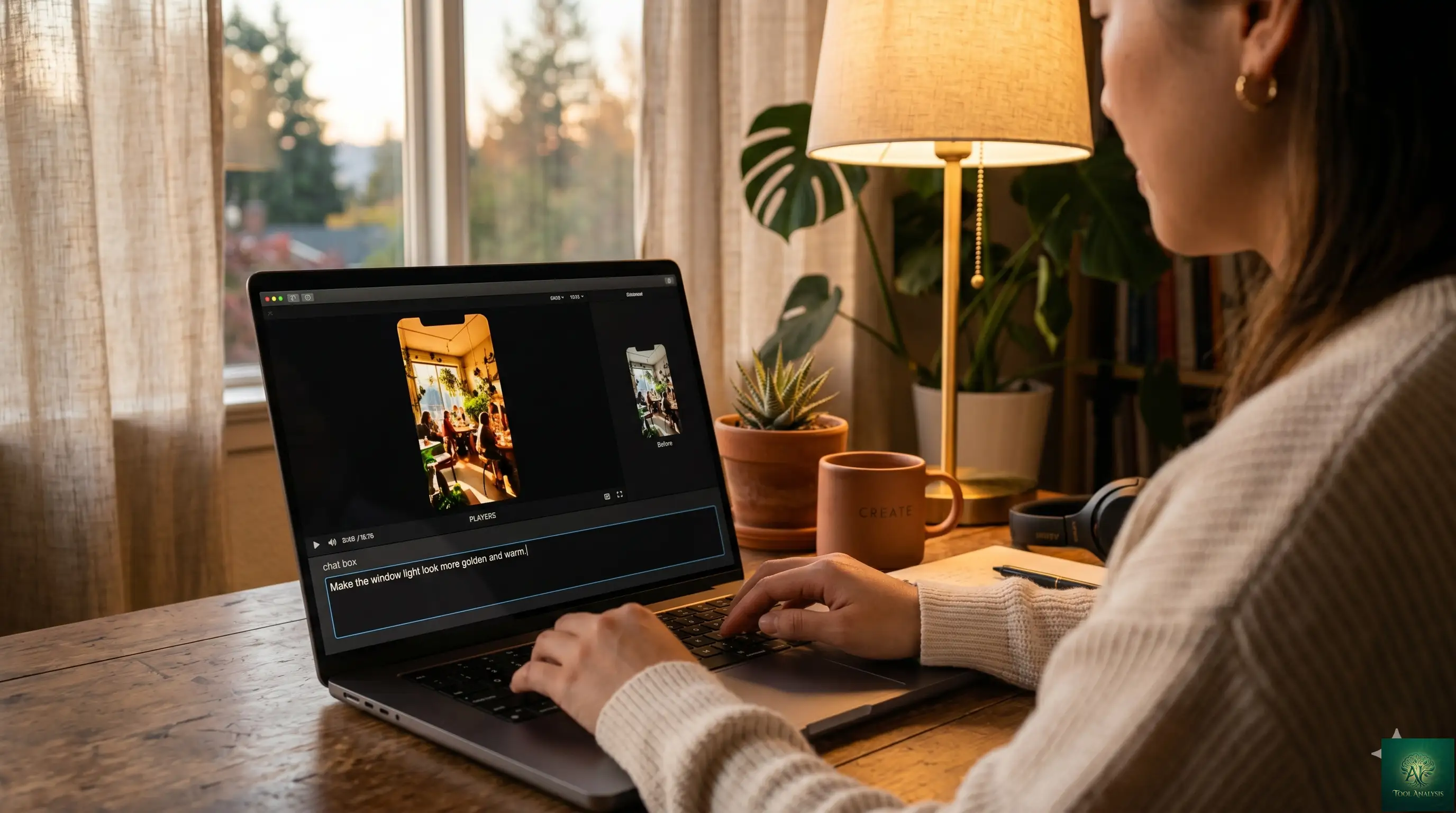
In five minutes on the free YouTube Shorts surface, here is the kind of thing you can accomplish: describe a scene (“a barista latte-arting a heart in a sunlit cafe”), get a 10-second clip with ambient audio, then refine it conversationally (“change the angle to over the barista’s shoulder,” then “make the light warmer”). Each instruction lands on top of the previous one. Early creators report iterating three or four versions of the same clip in under two minutes, which is the part that makes the short length sting a lot less than it sounds.
🔍 REALITY CHECK
Marketing Claims: “Create anything from any input, starting with video.”
Actual Experience: Today’s Omni Flash does video generation and video editing only. The “anything from anything” pitch describes where the family is headed, not what ships right now. Audio and speech editing of existing video are deliberately held back over deepfake risk.
Verdict: Genuinely new architecture, but read “starting with video” literally. The rest is roadmap.
Getting Started: Where to Use It Free
There are three doors into Gemini Omni, and only one of them is free. Knowing which is which saves you from paying for something you can test at no cost.
The free door is YouTube. Omni Flash is rolling out at no cost inside YouTube Shorts and the YouTube Create app. This is the broadest free launch of an AI video tool to date, and it is the door to use if you make short-form content. One practical tip from early creators: YouTube’s algorithm is leaning toward treating disclosed AI use as a positive signal, so a caption like “made this with Gemini Omni in 20 minutes” gives you both the disclosure and a comment hook.
The paid doors are the Gemini app and Google Flow, Google’s AI filmmaking platform. Access there rides on Google’s consumer subscriptions, which were overhauled at I/O. For the full tier-by-tier breakdown, see our Google AI Plus review. The short version is that Omni is included starting at the $7.99 AI Plus tier, with higher usage limits as you move up to AI Pro and AI Ultra.
One honest setup frustration to flag: rollout is staged. If you do not see the Omni entry point yet, that usually is not a mistake on your end. Your account, region, age, or rollout group may simply not qualify yet. The developer API, where independent benchmarking will finally be possible, is “coming in the coming weeks” with no firm date.
💡 Key Takeaway: If you make short-form video, start on YouTube Shorts or the YouTube Create app — there is no reason to pay for Omni Flash until you outgrow that surface. Use the paid Gemini and Flow tiers only when you need higher generation limits or more Flow credits.
📏 Max Clip Length: Where Omni Falls Behind
Single-shot duration in seconds. Omni Flash trails Sora 2 Pro by 2.5x.
Features That Actually Matter
Conversational Editing ⭐⭐⭐⭐⭐
This is the headline feature and the one that earns its rating. Instead of regenerating a clip from zero every time you want a change, you describe the change in plain language and Omni applies it while keeping the rest of the scene intact. Swap a background, adjust the lighting, exaggerate an action. The model re-reasons the scene rather than pasting a new layer on top, which is why the character and setting stay coherent across edits.
Multimodal Input ⭐⭐⭐⭐
You can drive a single output from any mix of text, images, audio, and video. Combine a rough sketch, a reference photo, and a written description, and Omni turns them into one cohesive clip. For creators, this means you can hand it the look you want instead of trying to describe it in words, which is usually where text-to-video tools fall apart.
Physics And Scene Consistency ⭐⭐⭐⭐
Because Omni reasons about the scene rather than just predicting pixels, it holds characters, backgrounds, and motion steadier across edits than frame-prediction models typically manage. It also draws on Gemini’s knowledge of history, science, and culture, so a prompt like “a Roman forum at dawn” lands closer to plausible than a generic guess. This is the feature that sounds the most impressive and, fairly, mostly delivers, with the caveats in the next section.
Built-In SynthID And C2PA ⭐⭐⭐
Every Omni output carries an invisible SynthID watermark plus C2PA content credentials. For solo creators this is mostly invisible. For brands and agencies it matters, because many client briefs now have explicit AI-content clauses, and the watermark makes those clauses enforceable. Treat it as a feature if you care about provenance, and a thing to disclose if you are delivering client work.
🎯 Editor’s Feature Scores
How each Omni Flash feature actually performs in week-one testing (5 = best).
📬 Enjoying this review?
Get honest AI tool analysis delivered weekly. No hype, no spam.
🔍 REALITY CHECK
Marketing Claims: “A leap forward in world understanding, multimodality, and editing.”
Actual Experience: Google’s own model card admits that “maintaining complete consistency throughout edits, generating scenes with complex motion, or rendering perfectly accurate text remains a challenge.” On-screen text in particular still comes out garbled, and busy action scenes can wobble.
Verdict: Better consistency than frame-prediction rivals, but not solved. Plan for retries, especially with text or fast motion.
The 10-Second Catch (And Other Limits)
This is the section the launch headlines skip, and it is the one that decides whether Omni fits your workflow.
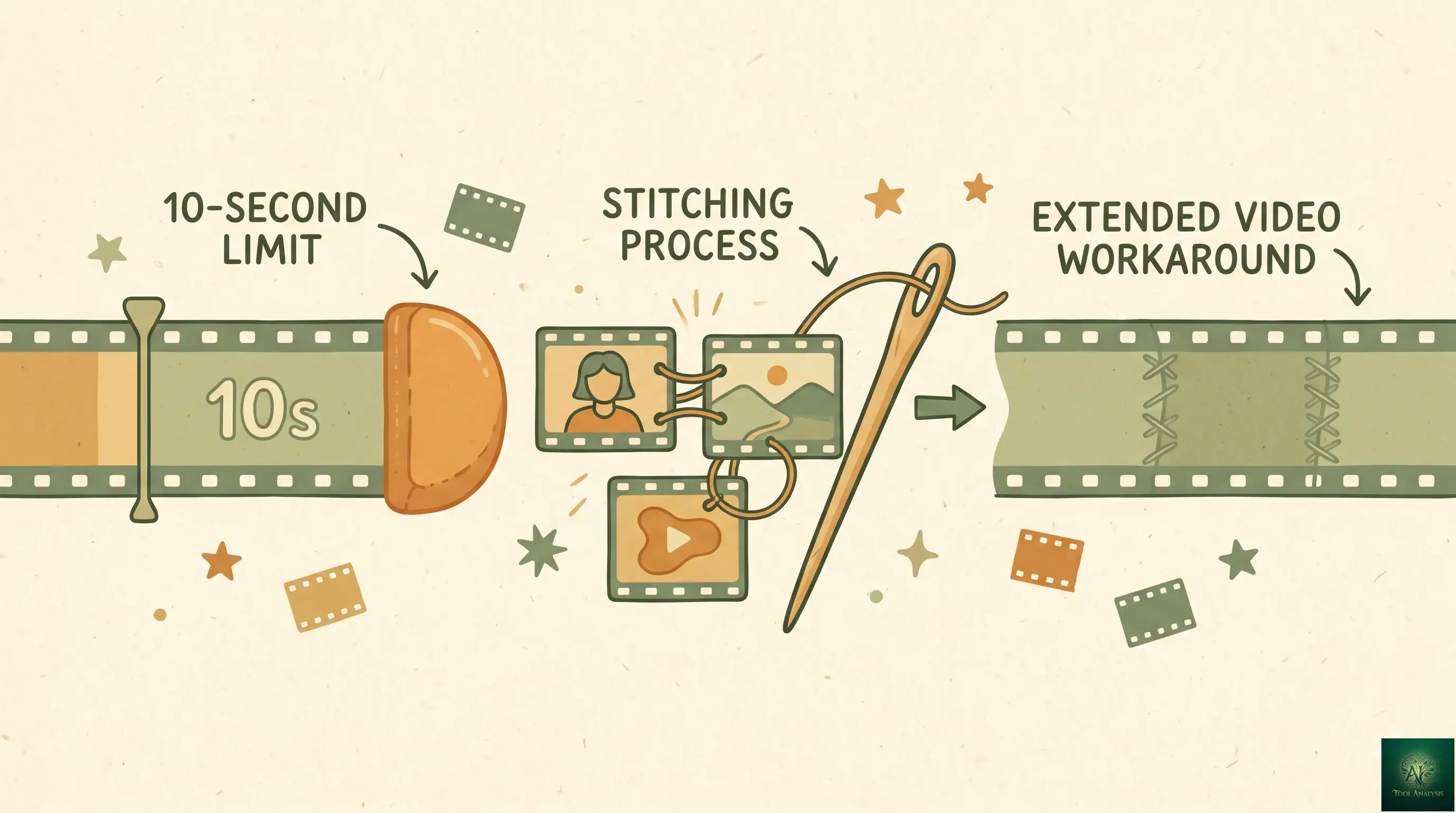
The biggest limit is length. Omni Flash clips are capped at 10 seconds. Google DeepMind’s Nicole Brichtova has said this is a deployment choice to manage compute demand at launch, not a hard ceiling of the model, and a higher-end Omni Pro is planned for “when the team sees a step change above Flash.” There is no release date for Pro yet.
The second limit is editing memory. In Google Flow, the conversational editor reliably holds context for about three turns before it loses the thread. The Gemini app is more generous in practice, but if you are working in Flow, plan your edit sequence around that three-turn budget. Change the main action first, then the style, then the fine details, rather than packing everything into one request.
The third limit is scope. Despite the “anything from anything” framing, today’s Omni Flash is video only. Audio editing of existing footage is switched off on purpose because of deepfake risk, so if your work depends on voice manipulation, this is not your tool. For AI voice work, our Google AI Studio text-to-speech review covers a better fit. And there is still no developer API, so anyone building Omni into a product is waiting on Google’s “coming weeks.”
Pricing: What You’ll Actually Pay
The pricing story is simple at the edges and fuzzy in the middle. Free on YouTube. Subscription-based in the Gemini app and Flow. API pricing unknown until launch.
| Access Surface | Cost | What You Get |
|---|---|---|
| YouTube Shorts & Create | Free | Omni Flash video generation and editing, 10-second clips |
| Google AI Plus | $7.99/mo | Omni Flash in the Gemini app and Flow, entry-level limits |
| Google AI Pro | $19.99/mo | Higher Omni limits, more Flow credits |
| Google AI Ultra | $99.99/mo | Highest limits, far more Flow credits, priority access |
| Developer API | Not yet available | “Coming in the coming weeks,” pricing unconfirmed |
A practical warning on credits. Video generation is compute-heavy and retries are common, so a single finished 10-second clip can eat several attempts. On the paid tiers, Flow credits can drain faster than you expect if you generate, extend, and revise repeatedly. The free YouTube surface sidesteps that math entirely, which is exactly why it is the smart place to start testing before you pay for anything.
Gemini Omni vs Sora 2 vs Veo 3.1
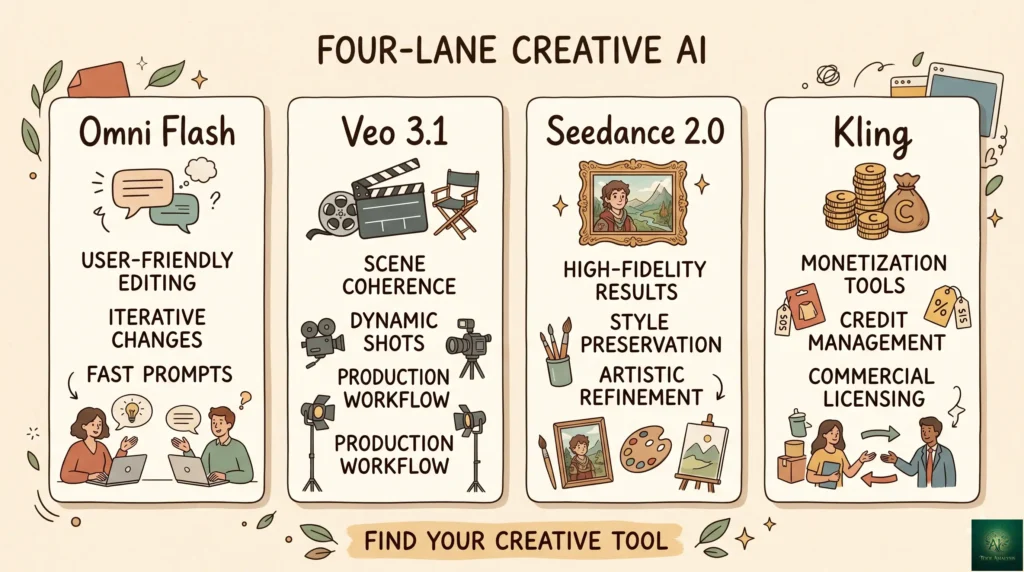
The honest framing here is that these tools are not really fighting for the same job. Omni is built for fast, conversational, short-form iteration. Sora 2 is built for longer, more cinematic single clips. Veo 3.1 is now the previous-generation Google model that Omni is replacing in the Gemini app.
| Criterion | Gemini Omni Flash | Sora 2 | Veo 3.1 |
|---|---|---|---|
| Free access | Yes, YouTube Shorts & Create | No (free tier removed Jan 2026) | No (paid Gemini tiers) |
| Entry price | $0 free, then $7.99/mo | $20/mo ChatGPT Plus | Paid Gemini (AI Pro) |
| Max clip length | 10 seconds | Up to ~25 seconds (Pro) | Short clips (now legacy) |
| Editing | Conversational, multi-turn | Re-prompt and regenerate | Re-prompt and regenerate |
| Architecture | Reasoning / world model | Frame prediction | Frame prediction |
| Provenance | SynthID + C2PA | OpenAI watermark + C2PA | SynthID |
| Best for | Volume Shorts, explainers, iteration | Cinematic single clips, length | Existing Flow / Vids users |
The simple rule early testers have landed on: if you are posting volume to Shorts, use Omni. If you are making one high-effort cinematic clip for elsewhere, use Sora 2 and accept the price and the wait. If you want to compare the broader field, including ByteDance’s contender, our Seedance review and Kling AI guide cover the other serious options.
💡 Key Takeaway: These tools are not interchangeable. If your output is Shorts at volume, Omni wins on price and iteration speed. If your output is a single polished 20-second clip for elsewhere, the $20/mo Sora 2 subscription is still the safer pick.
Who Should Use Gemini Omni (And Who Shouldn’t)
Choose Gemini Omni if you make short-form video at volume. The free YouTube access plus fast conversational editing is purpose-built for Shorts, reaction clips, and B-roll you would otherwise have to shoot or license. The right move is not to make AI the whole Short, but to use it for the one part that would have cost you half an hour to film.
Choose Gemini Omni if you are an educator or explainer creator. It is genuinely good at visualizing concepts like “what would it look like if water flowed uphill” or “the difference between mitosis and meiosis,” and the 10-second cap actually fits the explainer beat well.
Stick with Sora 2 or another tool if you are an indie filmmaker who needs cinematic single shots longer than ten seconds. Omni Flash is too short for serious narrative work today, and Sora 2’s longer clips and motion control are better for high-effort pieces.
Skip it for now if you are a developer who needs API access, or your work depends on editing the audio of existing footage. Both are off the table until Google ships more of the roadmap.
What Creators Are Actually Saying
An honest caveat first: Omni Flash is only days old, and independent benchmarks do not exist yet because Google said it will publish evaluation scores only when the API rolls out to developers. So treat early reaction as first impressions, not settled consensus.
That said, the early sentiment from creators is consistent. The free YouTube rollout landed as the headline win, because for free AI video there genuinely was no real alternative before this. Veo 3 was paid-tier only and Sora went paid-only in January 2026. The conversational editing is the most praised feature, with creators noting they can land three or four usable variations of a clip in a couple of minutes. The most common complaints map exactly to the limits above: the 10-second cap, garbled on-screen text, and a staged rollout that left some users unable to find the entry point at all. The pattern is “impressive for the price, frustrating at the edges,” which is about what you would expect from a launch-week Flash model.
The Road Ahead
Based on Google’s announcements, three things are coming. Omni Pro is announced but undated, and it is the model expected to lift the 10-second cap and the consistency limits. The developer API is promised “in the coming weeks,” which is when real third-party benchmarking and product integrations become possible. And audio and speech editing sit on the roadmap, gated for now over deepfake concerns. None of these has a firm date, so treat them as direction, not promises.
FAQs: Your Questions Answered
Q: Is Gemini Omni free?
A: Partly. Gemini Omni Flash is completely free inside YouTube Shorts and the YouTube Create app. Inside the Gemini app and Google Flow it requires a paid Google subscription starting at $7.99/month (AI Plus). There is no universal free version across every surface.
Q: How long can Omni videos be?
A: Omni Flash clips are capped at 10 seconds. Google says this is a launch-time deployment choice rather than a hard model limit, and a longer Omni Pro is planned but undated. You can stitch multiple clips together for longer pieces.
Q: Is Gemini Omni better than Sora 2?
A: It depends on the job. Omni wins on price (free on YouTube), iteration speed, and conversational editing. Sora 2 wins on clip length and cinematic single-shot quality. For volume short-form work, Omni. For one polished longer clip, Sora 2.
Q: Does Gemini Omni replace Veo?
A: In the Gemini app, yes, Omni is taking over from Veo. Veo 3.1 remains available to paid users as the previous-generation option, and it still powers tools like Google Vids for now.
Q: Can Omni edit audio?
A: No. Omni generates audio as part of new video, but editing the audio or speech of existing footage is deliberately switched off over deepfake risk. Google has placed it on the roadmap with no date.
Q: Is there a Gemini Omni API for developers?
A: Not yet. As of launch, Google said developer and enterprise API access is “coming in the coming weeks” with no firm date or pricing. Until then, access is limited to the Gemini app, Google Flow, and YouTube surfaces. Our Google AI Studio review tracks where that access is likely to appear.
Q: Are Omni videos watermarked?
A: Yes. Every output carries an invisible SynthID watermark plus C2PA content credentials, so the clip is identifiable as AI-generated. This matters for brand and client work where AI-content disclosure is contractually required.
Q: Is my data safe with Gemini Omni?
A: Standard Google account terms and the Generative AI Prohibited Use Policy apply. As with any cloud video tool, avoid uploading sensitive or confidential footage, and check the data-use settings tied to your specific plan and region.
Gemini Omni Review: The Final Verdict
Gemini Omni Flash is the most important free AI video launch since Veo, and the “free on YouTube Shorts” part is not a footnote, it is the whole story. For the first time, a genuinely capable, physics-aware, conversationally editable video model is built into the publishing surface short-form creators already use, at zero cost. The conversational editing is the real innovation, and it makes the 10-second cap far less painful than the spec sheet suggests.
It is not finished, and Google does not pretend otherwise. The 10-second limit, the three-turn editing memory in Flow, the missing API, the held-back audio editing, and the wobble on text and complex motion are all real. But for the price, the value is hard to argue with.
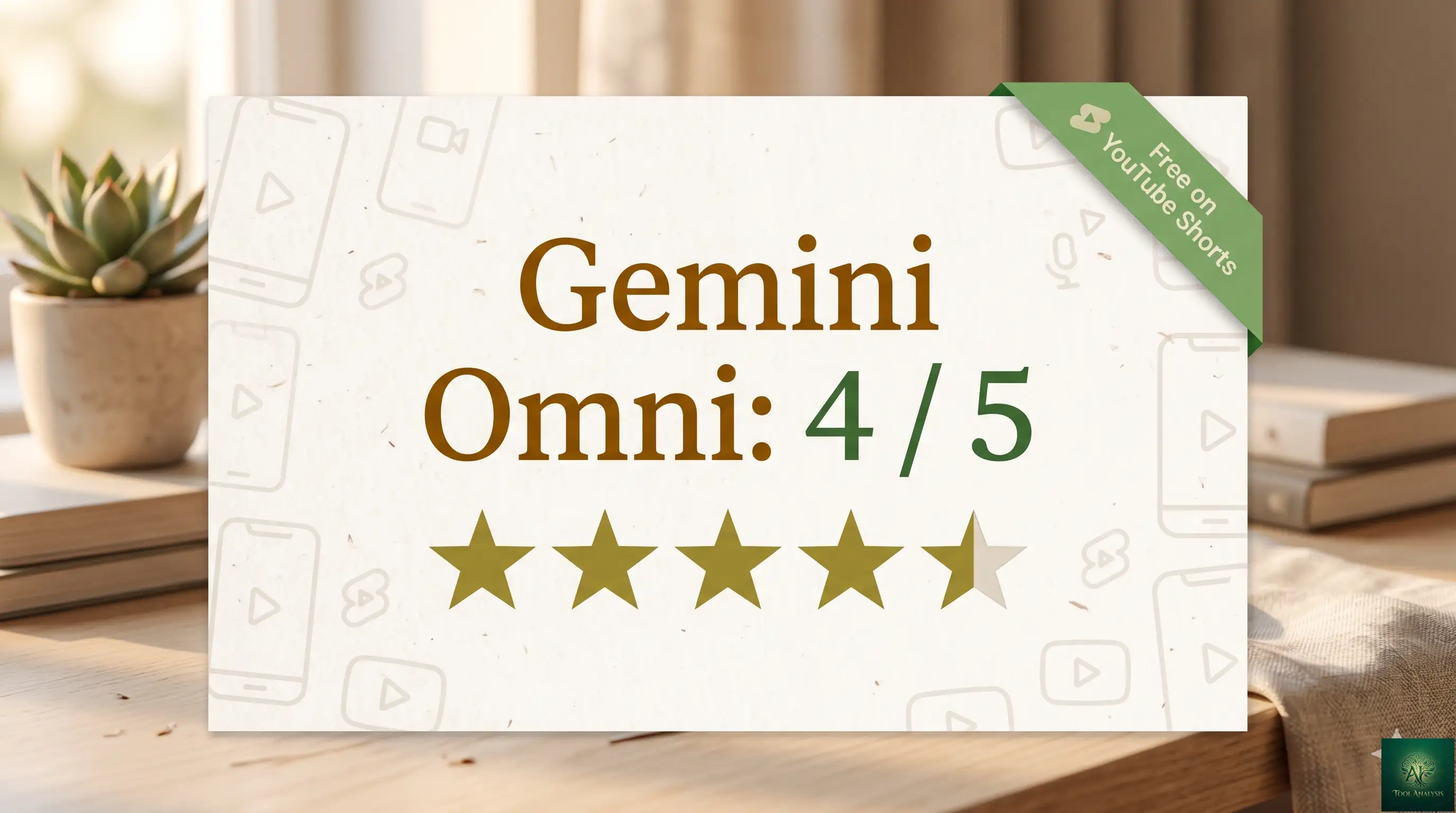
Use Gemini Omni if you make short-form or educational video and want to iterate fast for free. Stick with Sora 2 if you need cinematic clips longer than ten seconds. Rating: 4 out of 5, with a clear path to higher once Omni Pro and the API arrive. Try it free today inside YouTube Shorts or the YouTube Create app.
✅ What We Liked
- ✓ Genuinely free on YouTube Shorts and YouTube Create
- ✓ Conversational multi-turn editing without restarting the scene
- ✓ World-model architecture holds characters and physics steadier
- ✓ Mix text, images, audio, and video as input in a single prompt
- ✓ Built-in SynthID + C2PA watermarking for client-work compliance
❌ What Fell Short
- ✗ Hard 10-second cap on every clip
- ✗ Flow editor loses context after ~3 turns
- ✗ No developer API yet, “coming in the coming weeks”
- ✗ Audio editing of existing footage is switched off
- ✗ On-screen text still comes out garbled
The most important free AI video launch since Veo — conversational editing is a real leap, and the 10-second cap stings less than the spec sheet suggests.
Founder of AI Tool Analysis. Reads every pricing page, help article and footnote so you don’t have to. Covering AI tools since 2025. See how we research →
Stay Updated on AI Video Tools
Stay ahead of the creative AI curve. Weekly reviews of AI image generators, video editors, and design platforms — with honest testing, not press releases.
- ✅ Sourced Reviews: Every price and limit checked against the vendor’s own pages, not rewritten from press releases
- ✅ Price Tracking: Know when tools drop prices or add free tiers
- ✅ Feature Launches: Major updates like Omni Pro covered within days
- ✅ Comparison Updates: As the market shifts, we update our verdicts
- ✅ No Hype: Just the AI news that actually matters for your work
Free, unsubscribe anytime.
Want AI insights? Sign up for the AI Tool Analysis weekly briefing.
Newsletter

Related Reading
Explore more AI video and creative tool reviews and comparisons:
- Google Vids Review 2026 — the free Veo 3 video maker Omni is replacing in the Gemini app.
- Nano Banana 2 Review — Google’s free image editor whose DNA lives inside Omni.
- Seedance Review — ByteDance’s low-cost video model and a serious Omni alternative.
- Kling AI Complete Guide — the Chinese video model that’s been the cinematic price-performance leader.
- Google AI Plus Review — the $7.99 tier where paid Omni access starts.
- Gemini 3.5 Flash Review — the language model in the same 3.5 generation as Omni.
- The Complete AI Tools Guide — our full map of the tools we have tested.
Last Updated: May 23, 2026
Gemini Omni Version Tested: Omni Flash (launch build, released May 19, 2026)
Next Review Update: June 22, 2026 (or when Omni Pro / developer API ships, whichever is sooner)
Have a tool you want us to review? Suggest it here | Questions? Contact us